

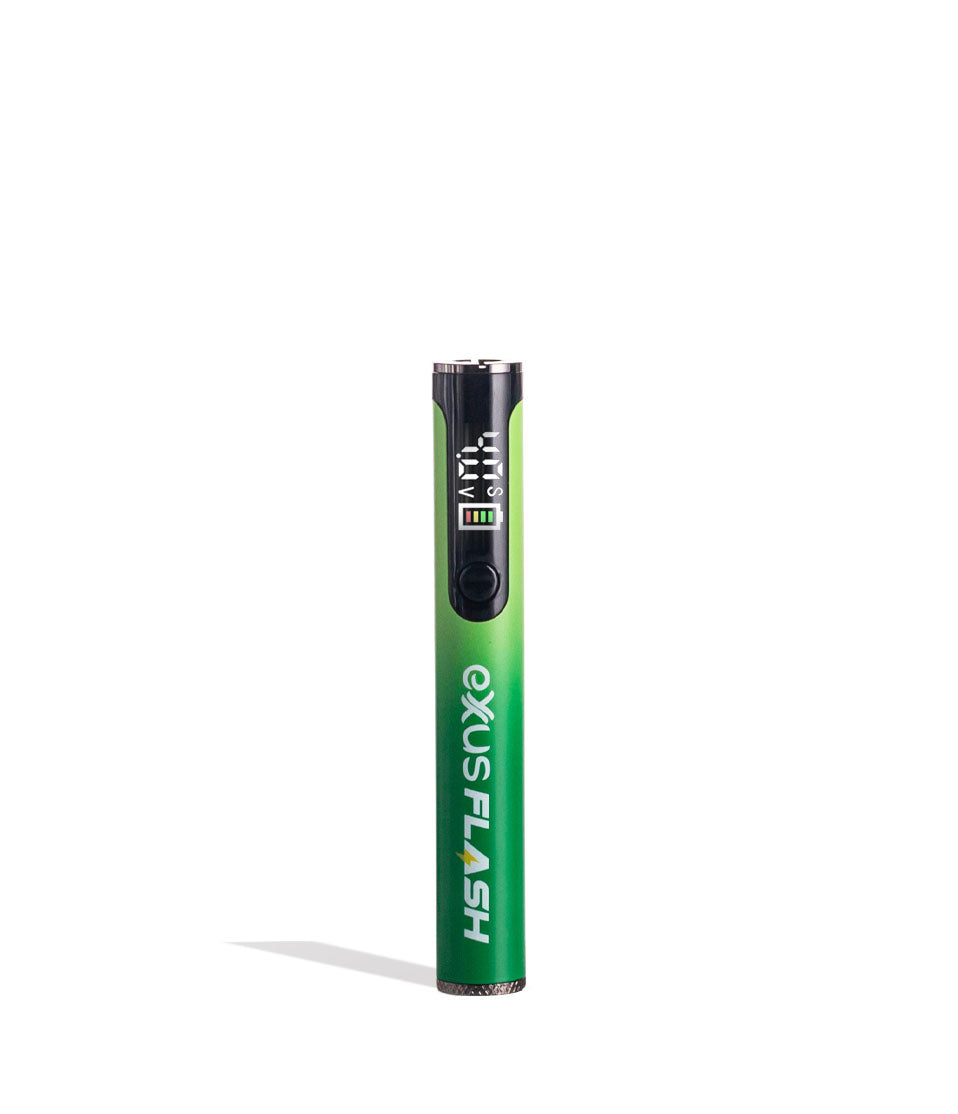
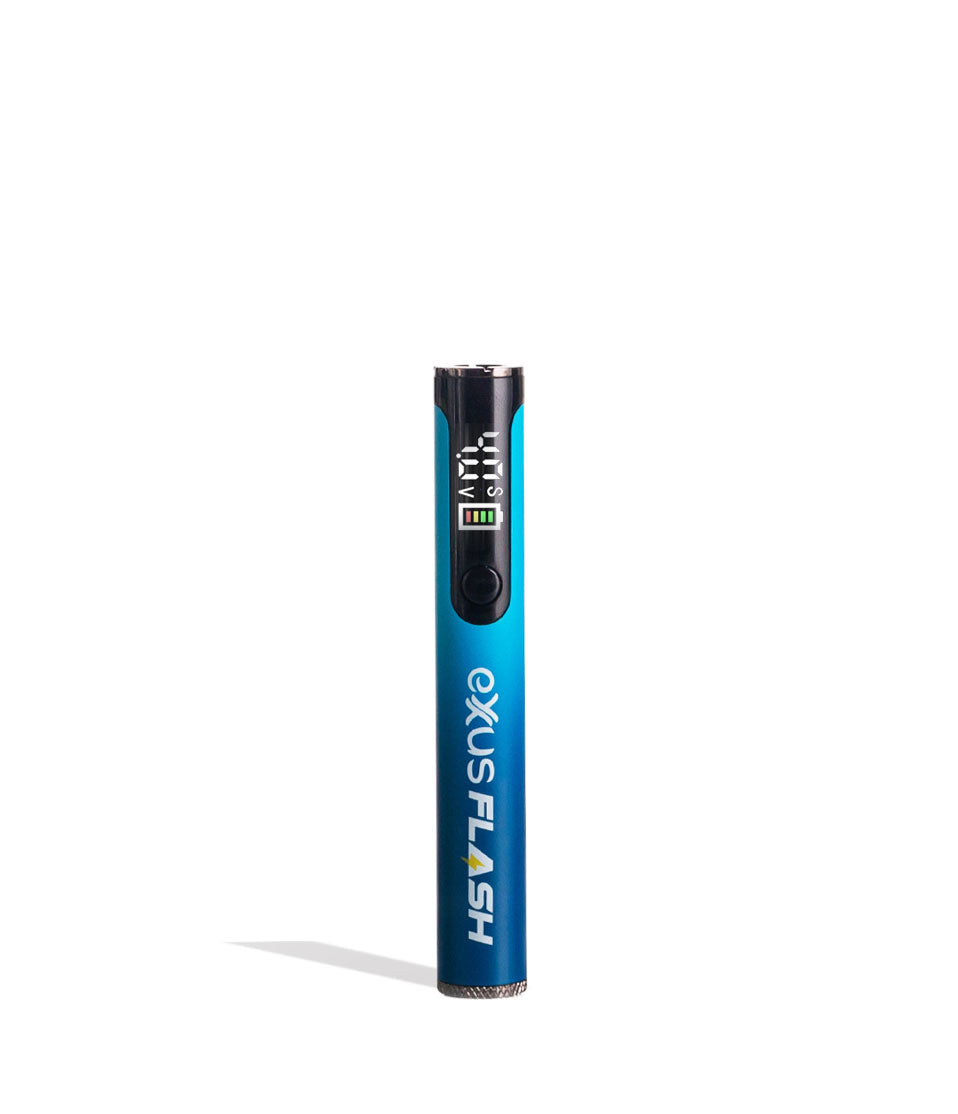
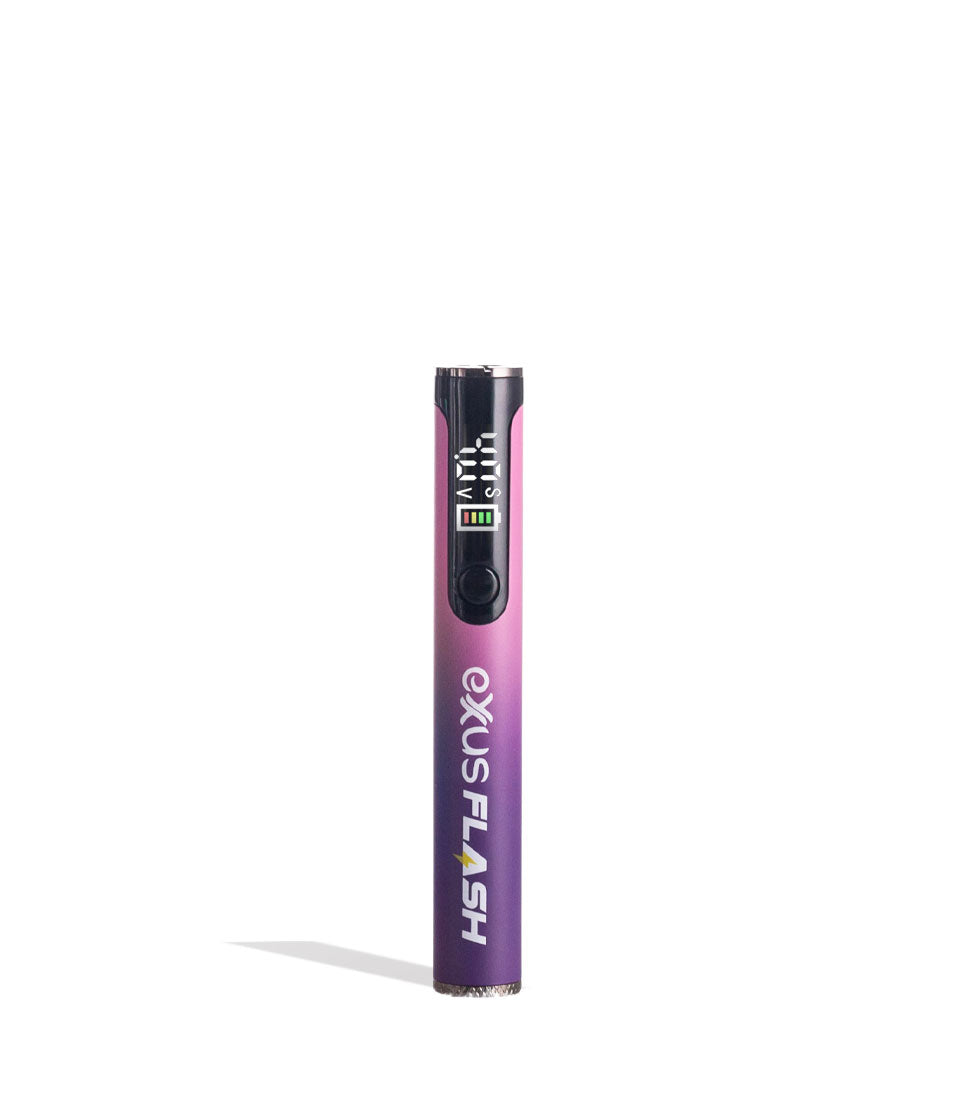
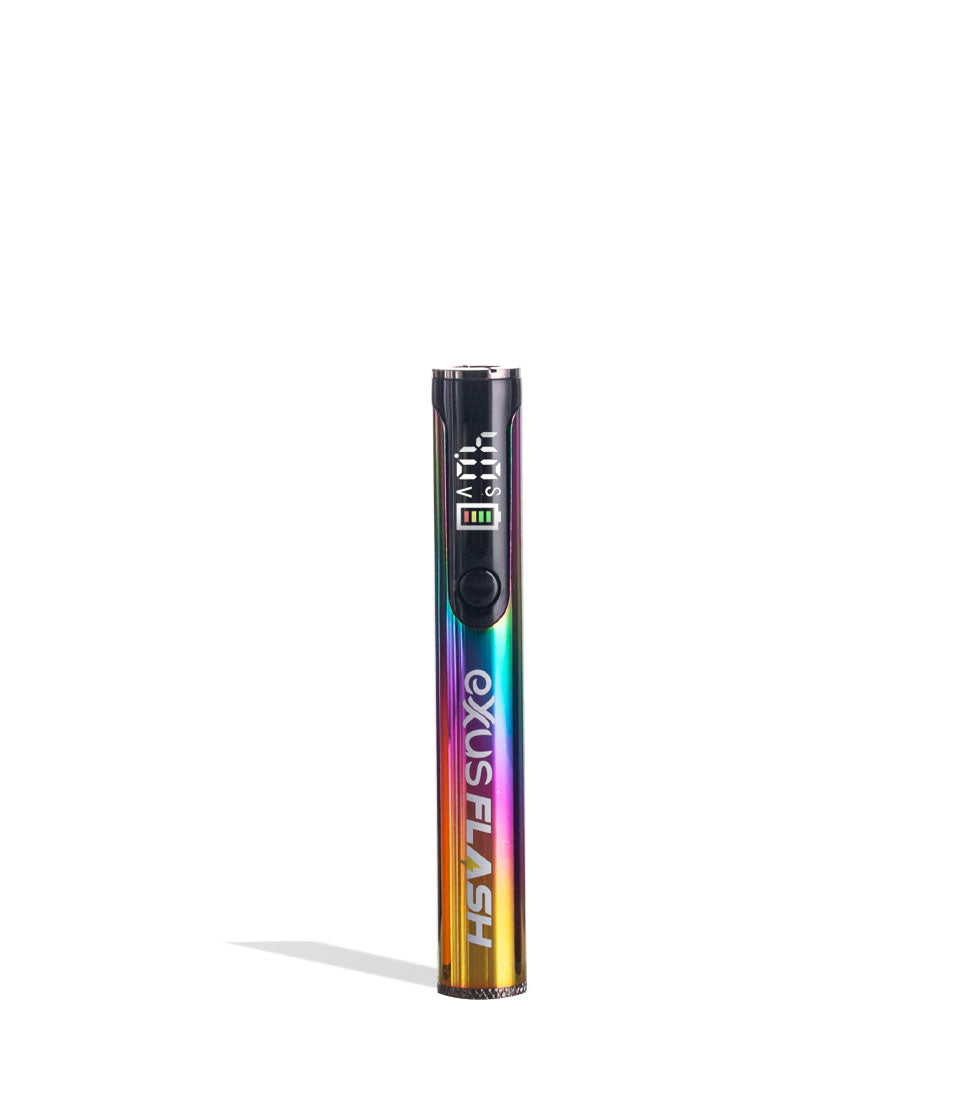
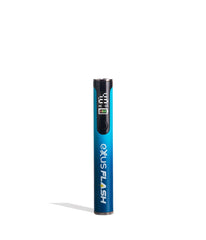
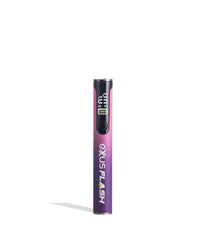
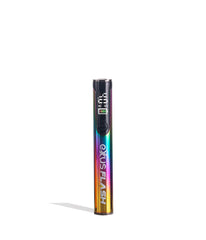
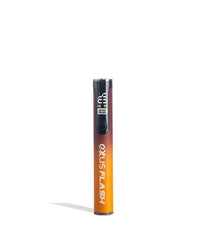
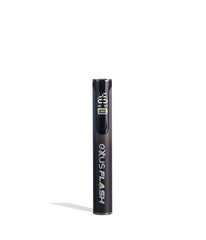
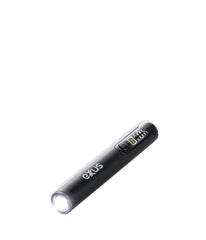
Exxus Vape Flash Flashlight and 510 Variable Voltage Battery
Vendor:
Exxus Vape
Availability:
In Stock
- $14.99
$0.00- $14.99
- Unit price
- per
Please hurry! Only 23 left in stock
| Specifications | |
|---|---|
 mAh mAhThe battery's capacity measured in milliamp-hours (mAh). Higher mAh indicates longer usage between charges.
|
|
 Charging ChargingSpecifies the charging connector type (e.g., Micro USB, USB-C). Ensure compatibility with your charging cable.
|
|
 Adjustable Voltage Adjustable VoltageAllows you to customize the voltage level, providing control over vapor intensity and flavor experience.
|
|
 Operation Method Operation MethodDescribes how the battery activates: Draw-activated (inhale to activate) or Button-activated (press button to activate).
|
Single Button
|
 Preheat Mode Preheat Mode |
|
 Cart Compatibility Cart Compatibility |
0.5g, 1g, and 2g
|
 Concealed Cart Concealed CartCartridge fully enclosed by device for maximum discretion
|
|
Subtotal:
$14.99
Free discreet shipping
Orders over $69
Easy returns
Fast help if needed
Secure checkout
Encrypted payments
<p>Earn%20[points_amount]%20when%20completing%20this%20purchase.</p>

Description
x
Shine A Light


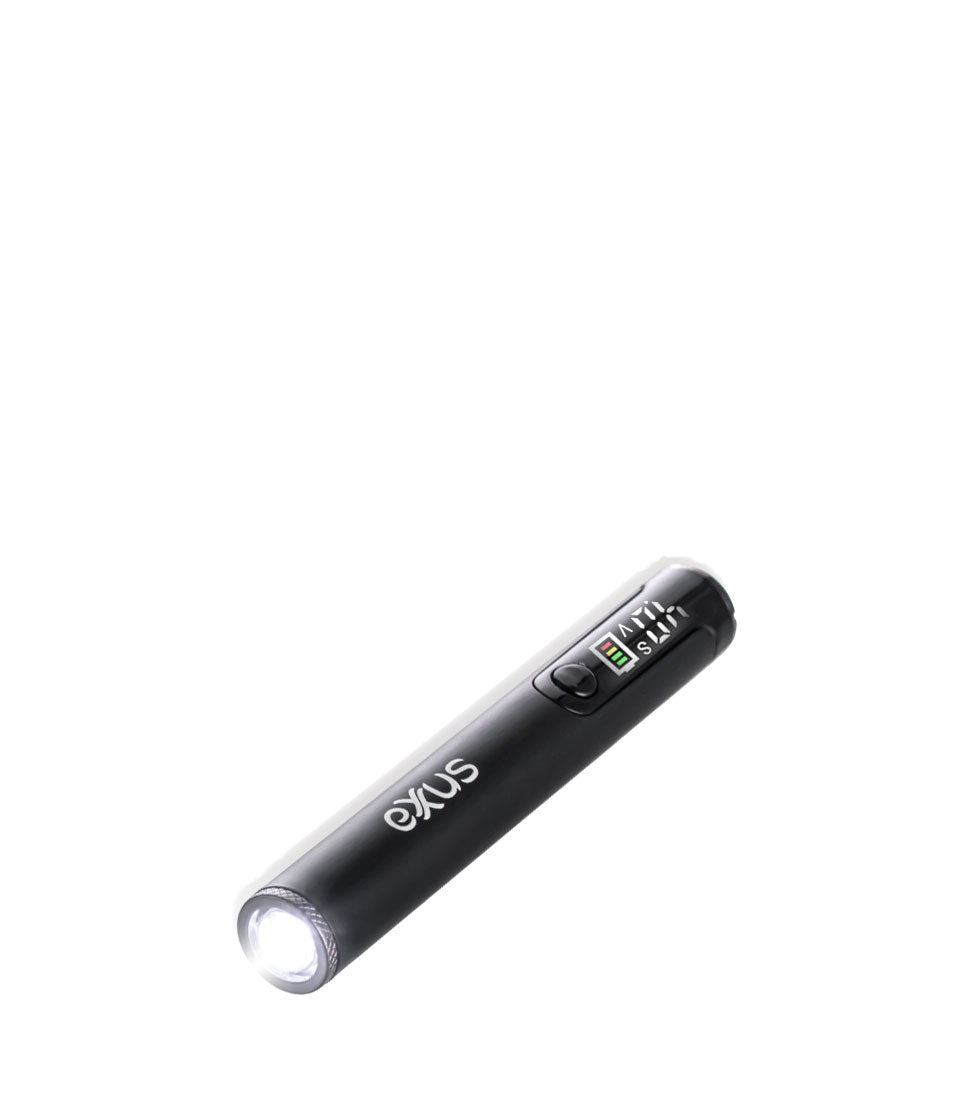
Shine a light on your sessions with the Exxus Vape Flash 510 Variable Voltage Battery and enjoy a cartridge vaporizer with a fully functional built in flashlight! With just the push of a button the Exxus Flash can switch between ripping blinkers to showing the way forward, finding that missing cartridge, and every other night time adventure in between.

Flip the Flash around to find a 510 threaded connection compatible with cartridges of any size, allowing you to unleash its XL 650mAh battery, range of 5 voltage settings (2.4, 2.8, 3.2, 3.6, 4.0v), and extended 15s pre-heat capabilities on every cartridge in your collection.
All of this capability comes jam packed in a slim vape pen body, which has been further elevated with a color LED screen packed with key session information. Featuring type-c charging, a hard metal exertion, and single button operation - the Flash is easy to use with intuitive controls making getting the most out of your cartridges easy.
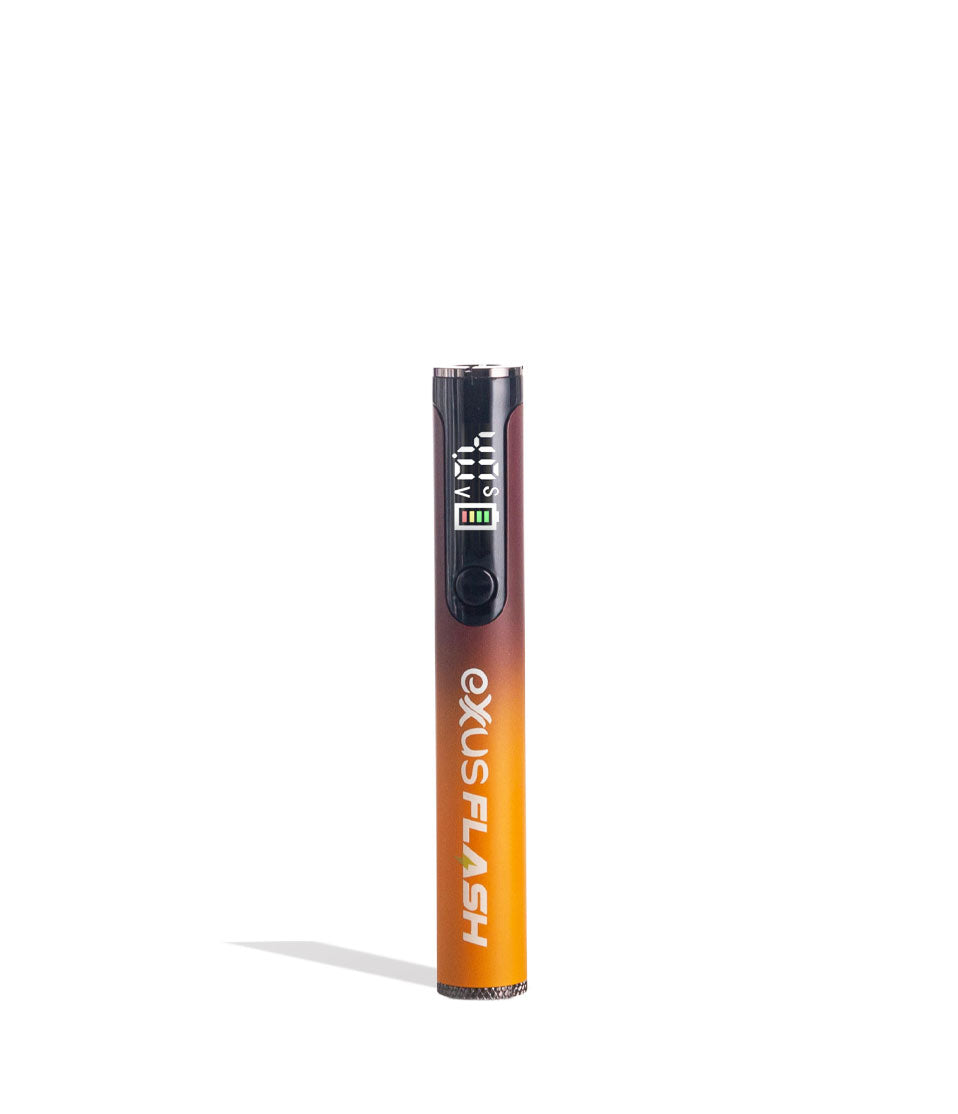
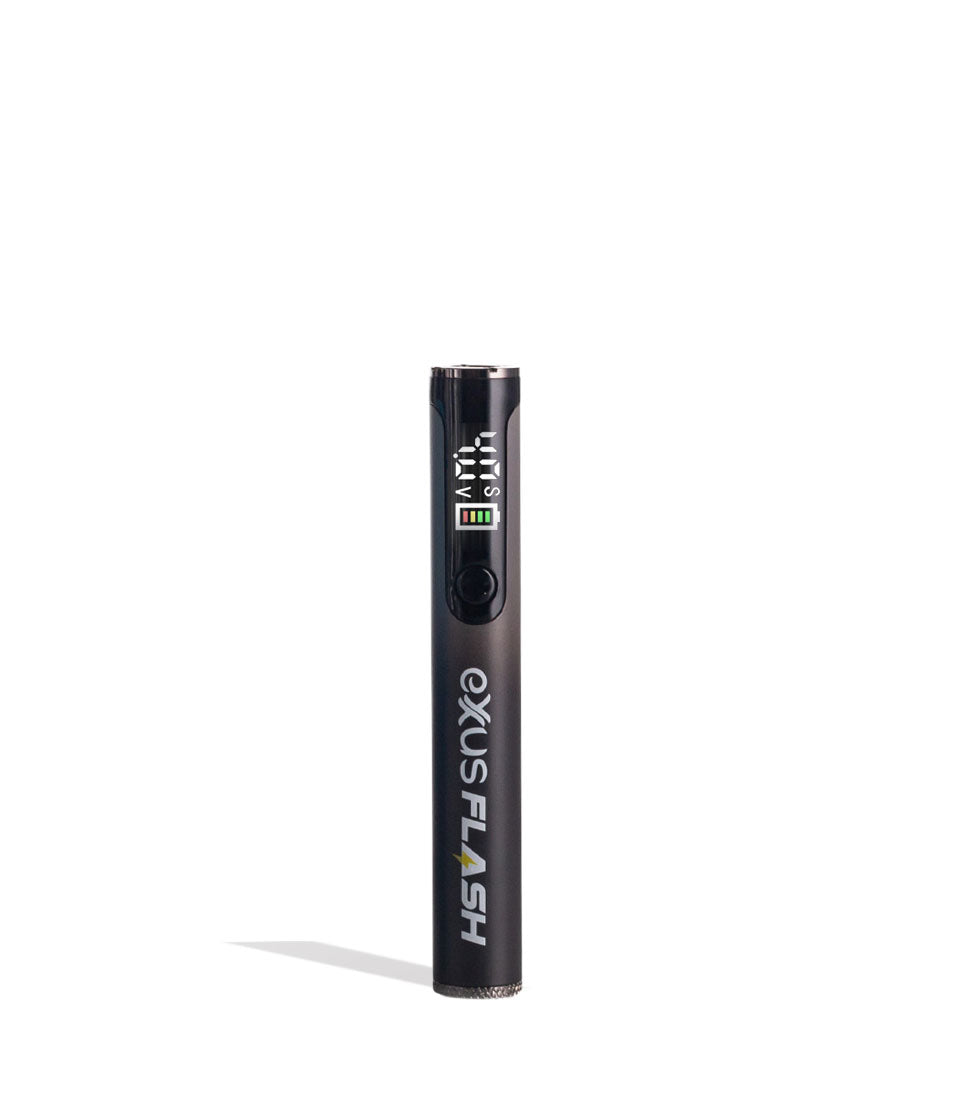
The Exxus Vape Flash 510 Variable Voltage Battery is available in a choice of 6 color schemes, including gorgeous black-orange blends and pink-purple fusions, providing you with all the elite visuals to match these excellent cartridge vaporizers.

How To Load The Flash
Ready to begin your Exxus expedition? First you must load the Flash with a vaporizer of your choice - it can be any size, as the Flash has universal compatibility - so choose your favorite and gently twist it into the threaded connection on top of the device until it’s snug.

How To Use Your Flash
Set foot into the world of cartridge clouds by first turning on your Flash by pressing the power button 5x in a row and watch as the LED screen springs to life.
To use your Flash hold down the power button and draw from the mouthpiece of your cartridge to enjoy a near instantaneous blast of vapor for on-demand satisfaction. Simply release the button to stop heating your cartridges and then continue at your leisure - it really is that simple with a Flash.
To end your session for the time being, turn off your Flash by pressing the power button 5x in a row and watch as your LED switches off, indicating that your device is ready for storage.

How To Change Voltage Levels On The Flash
The Flash is equipped with a choice of 5 voltage settings - 2.4v, 2.8v, 3.2v, 3.6v, 4.0v - allowing you to experience the full spectrum of cartridge effects and enjoy your materials to their fullest, all with one convenient battery.
To change the voltage level on your Flash press the power button 3x in a row, this will swap you to the next setting in line. In order to continue through the choices, keep pressing the power button 3x in a row to shuffle through the options until you’ve reached your desired voltage level.
Once there simply release the power button and get ready for some clouds heated just how you like the best!
How To Pre-Heat Cartridges With Your Flash
Does the occasion call for an extra mind blowing cloud? Pre-heat cartridges with your Flash by pressing the power button 2x in a row, this will start a 15s countdown on your LED screen where your cartridge is gradually warmed to perfection. Once the countdown ends, you can use your Flash as normal, holding down the power button for a bold blast of vapor that really shows you what your cartridges are all about.

How To Turn On The Built-In Flashlight On The Exxus Flash
Need a light? Illuminate your world and see into the darkness by pressing the power button on your Exxus Flash 4x to turn on the built in flash light. Once on, you can use your Exxus Flash to light the way forward and get a better view of your surroundings. Wherever you're done with your light, simply press the power button on your Exxus Flash 4x more and it will switch off.
How To Charge Your Flash
Keep the clouds flowing strong and make use of the built in type-c charging cable to keep your Flash Vaporizer at 100% power. When plugged in the battery icon will continue to flash until it’s at full power, at this point the battery icon will light up solid for 10s and then power off.

Troubleshooting Your Flash
In order to get the most from your Flash, there are several different troubleshooting warnings that can pop up, take a look below to see what your device is trying to tell you and how to fix it.
The Exxus Flash has the following troubleshooting warnings built in to let you know what something is amiss.
- Low Battery Warning: To let you know it's time for a re-charge, your device will flash its battery icon 10x indicating you should plug it in.
- Time Out Warning: When the power button is held for longer than 10s, the Flash will trigger its time out warning and cease warming to prevent over heating. To continue, release the power button for a moment and proceed with your clouds.
- Short Circuit Warning: See the screen flashing 3x in a row? This means your cartridge needs to be changed as a result of a short circuit.
- Automatic Shutdown Warning: When left for over 5 minutes without use, the Flash will shutdown to conserve battery.

How To Clean The Flash
We recommend taking the time to sanitize your Flash to really get the most out of your vaporizer and keep your clouds ripping at 100% capacity. To do so, we recommend the following cleaning tips.
First of all, always power off your Flash completely before starting cleaning. Once powered off you can detach the cartridge and place it somewhere safe like a towel, as cartridges are rounded that have a knack for falling off tables soft surfaces prevent it from moving.
Now take a cloth and wipe down the exterior of your Flash vaporizer to remove any build up or dirt. From here move on to the most important part, your 510 threaded connection. To clean this, take a swab or q-tip dampened with isopropyl alcohol and gently scrub away at the connection until it’s clean.
Always make sure to leave plenty of time for your Flash to dry, as you never want to power on your device while any moisture remains, or else risk causing damage to the lifespan of your battery.
What’s Included:
- (1) Exxus Vape Flash 510 Variable Voltage Battery
WARNING: Do not charge with a powerbank of 5V or higher. Do not charge in your car. Do not overcharge the battery. Failure to follow these instructions could result in battery damage and frying of the internal system.
Compare Color
Exxus Vape Flash Flashlight and 510 Variable Voltage Battery
Exxus Vape
ChargingUSB-C
Voltage2.4V - 4.0V
650mAh
OperationSingle Button
Fits carts0.5g · 1g · 2g
Preheat mode
Related Products
- Choosing a selection results in a full page refresh.