

SIGN UP FOR OUR NEWSLETTER
Receive our latest updates about our products & promotions.

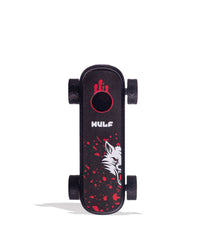
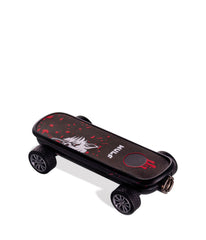
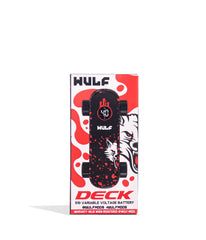
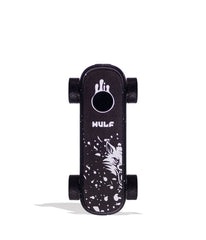
| Specifications | |
|---|---|
 mAh mAhThe battery's capacity measured in milliamp-hours (mAh). Higher mAh indicates longer usage between charges.
|
500
|
 Charging ChargingSpecifies the charging connector type (e.g., Micro USB, USB-C). Ensure compatibility with your charging cable.
|
USB-C
|
 Adjustable Voltage Adjustable VoltageAllows you to customize the voltage level, providing control over vapor intensity and flavor experience.
|
2.4V - 4.0V
|
 Operation Method Operation MethodDescribes how the battery activates: Draw-activated (inhale to activate) or Button-activated (press button to activate).
|
Single Button
|
 Preheat Mode Preheat Mode |
Yes |
 Cart Compatibility Cart Compatibility |
0.5g, 1g, and 2g
|
 Concealed Cart Concealed CartCartridge fully enclosed by device for maximum discretion
|
No |
Free discreet shipping
Orders over $69
Easy returns
Fast help if needed
Secure checkout
Encrypted payments

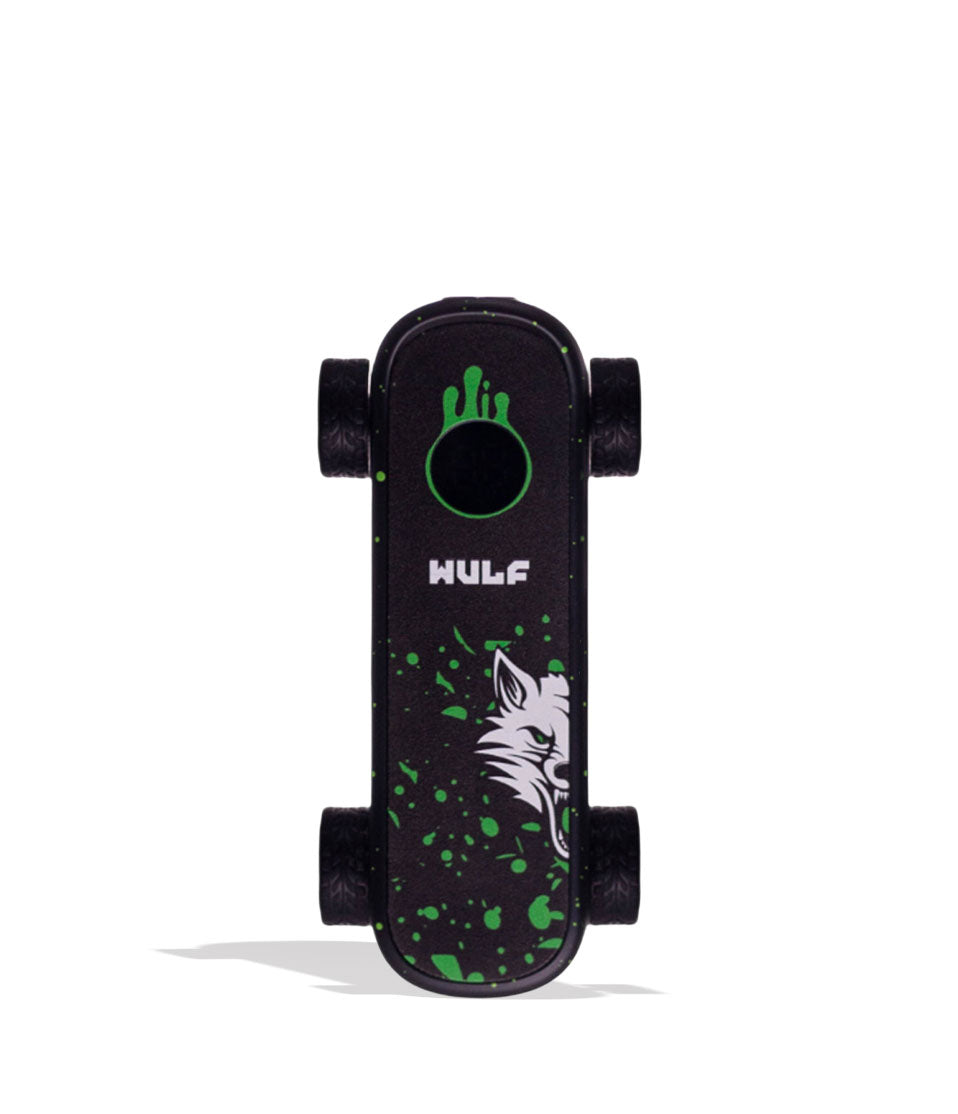
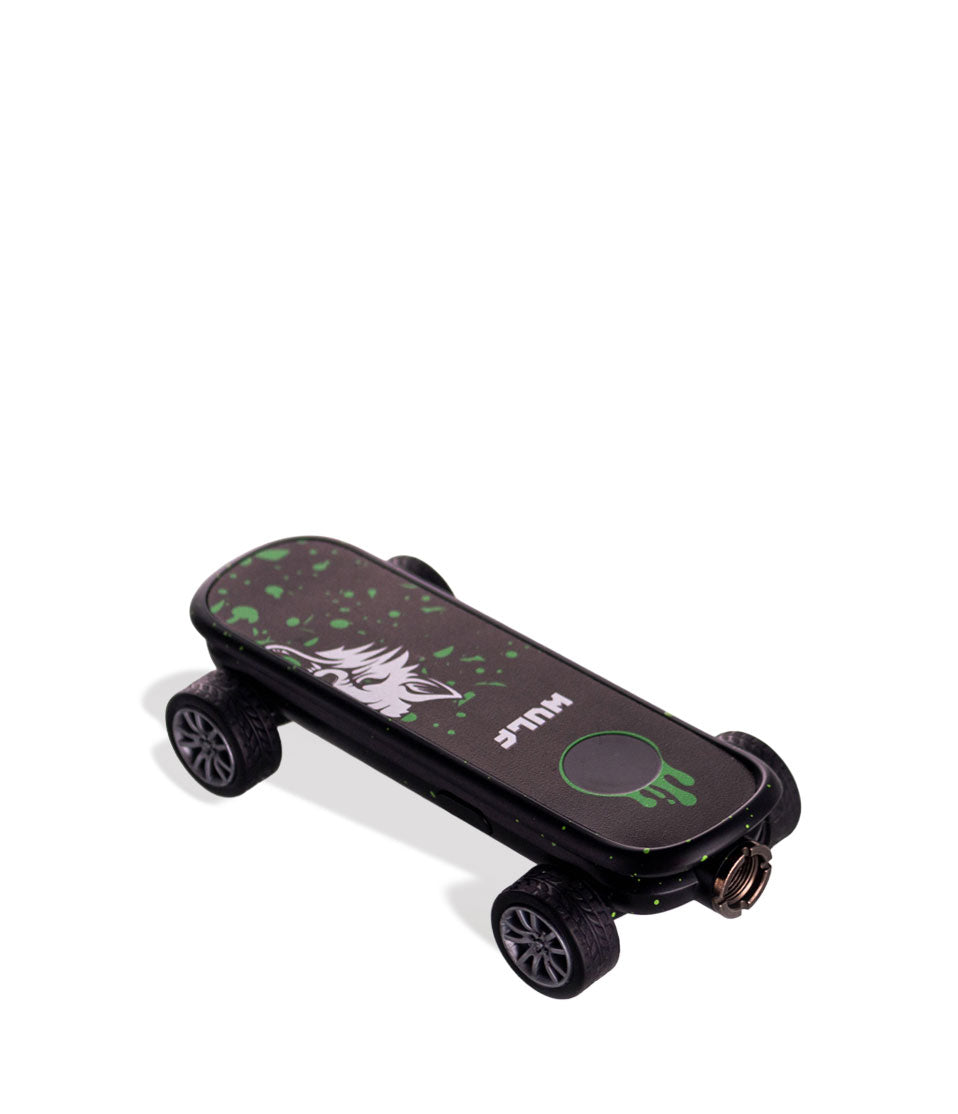
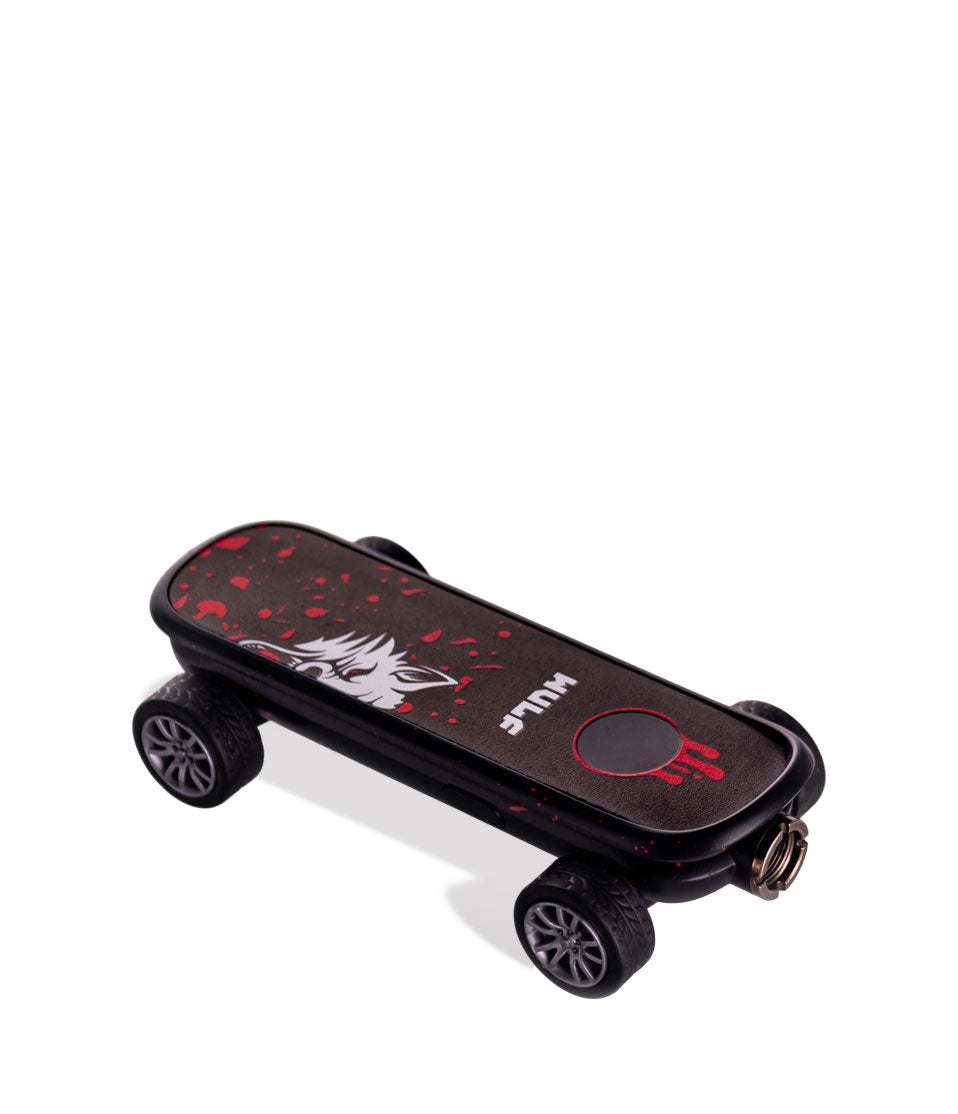
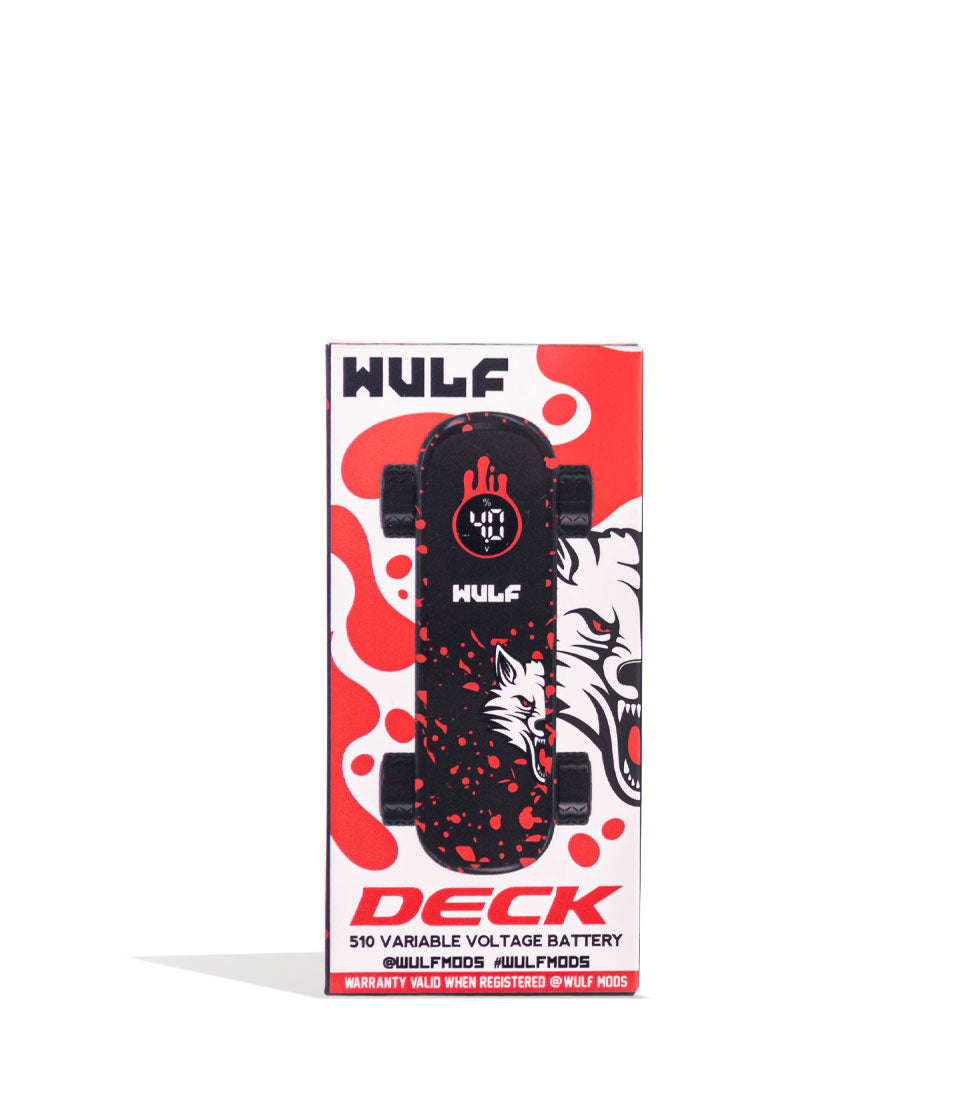
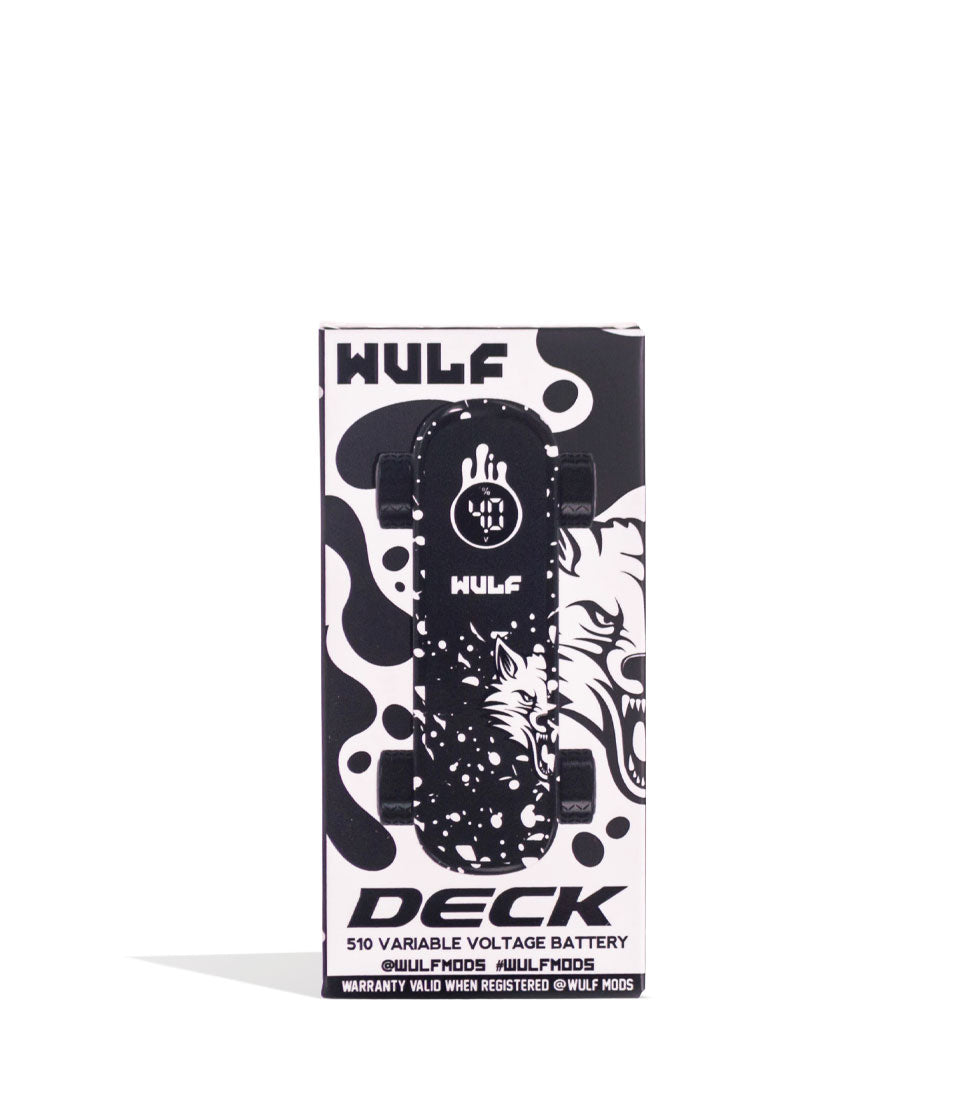
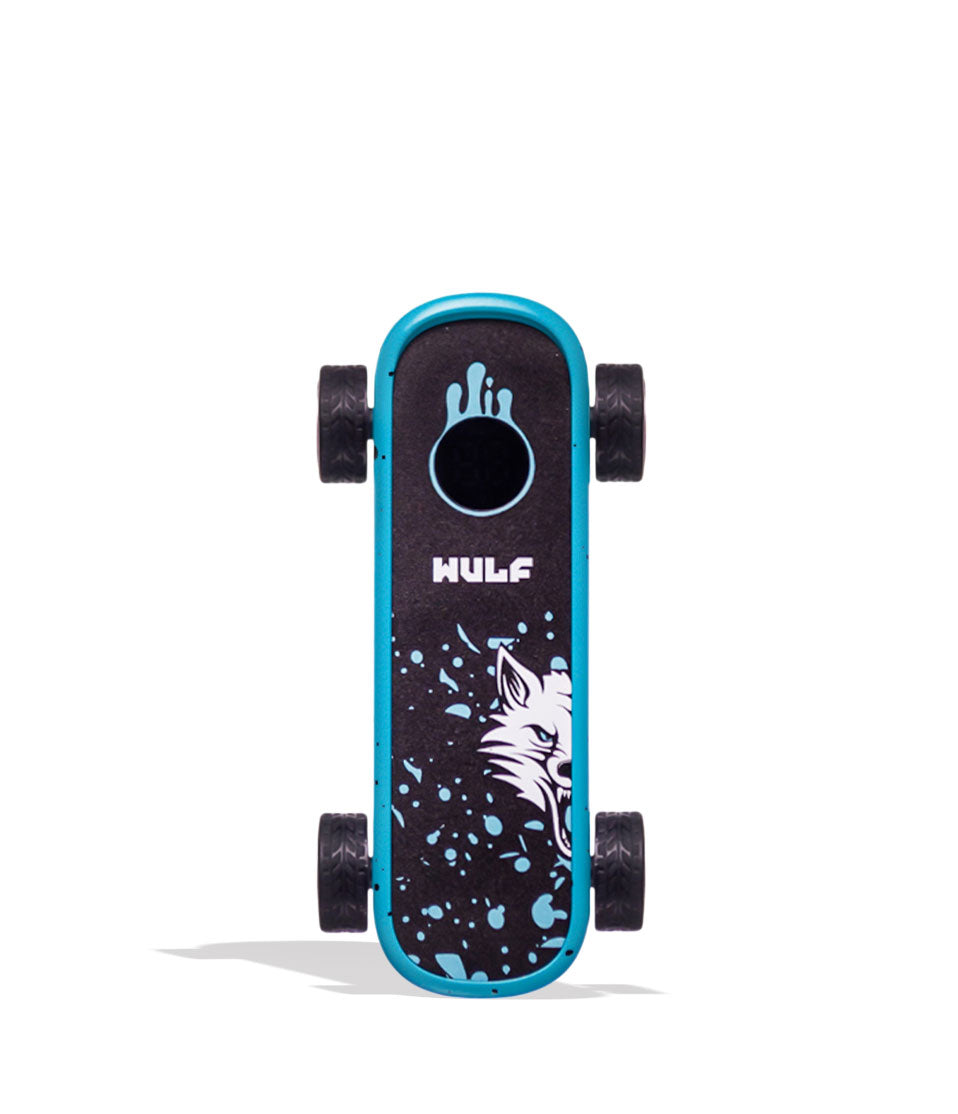
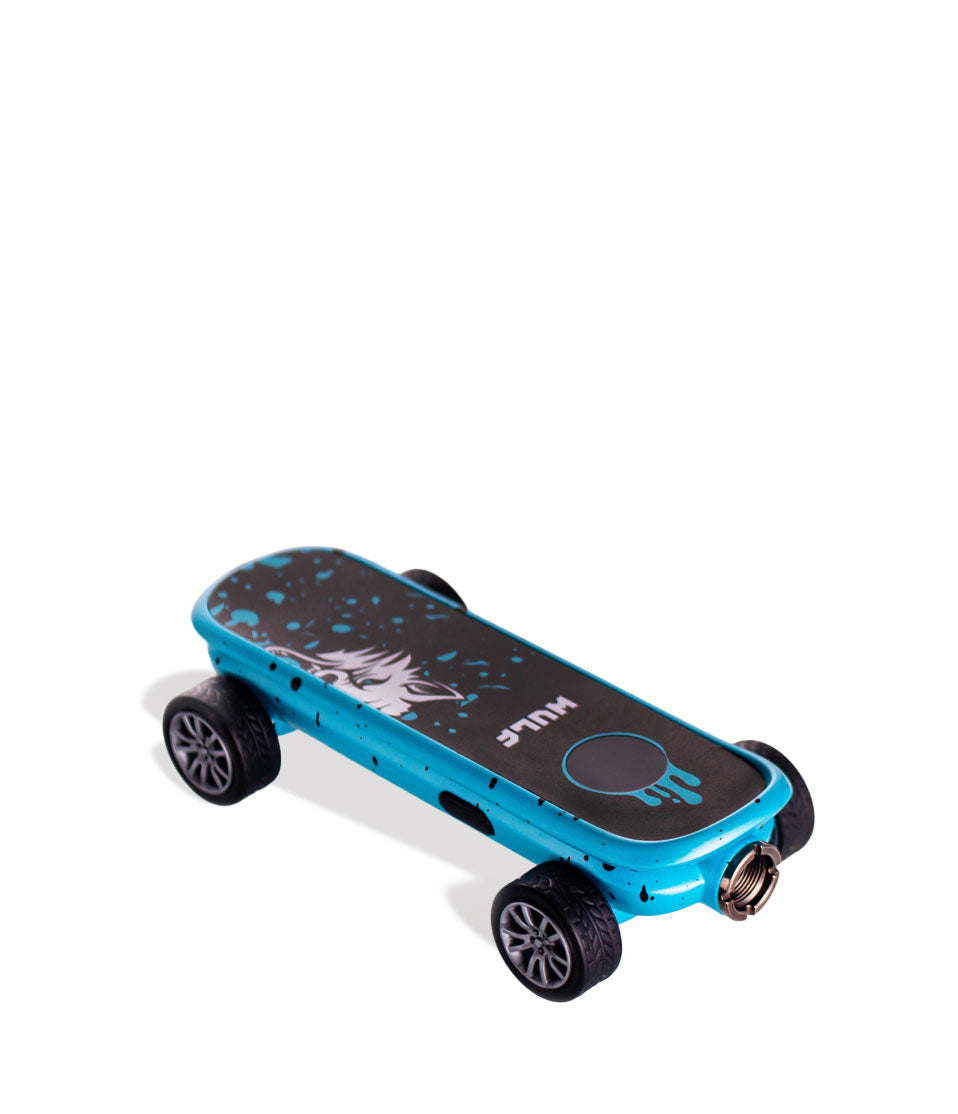
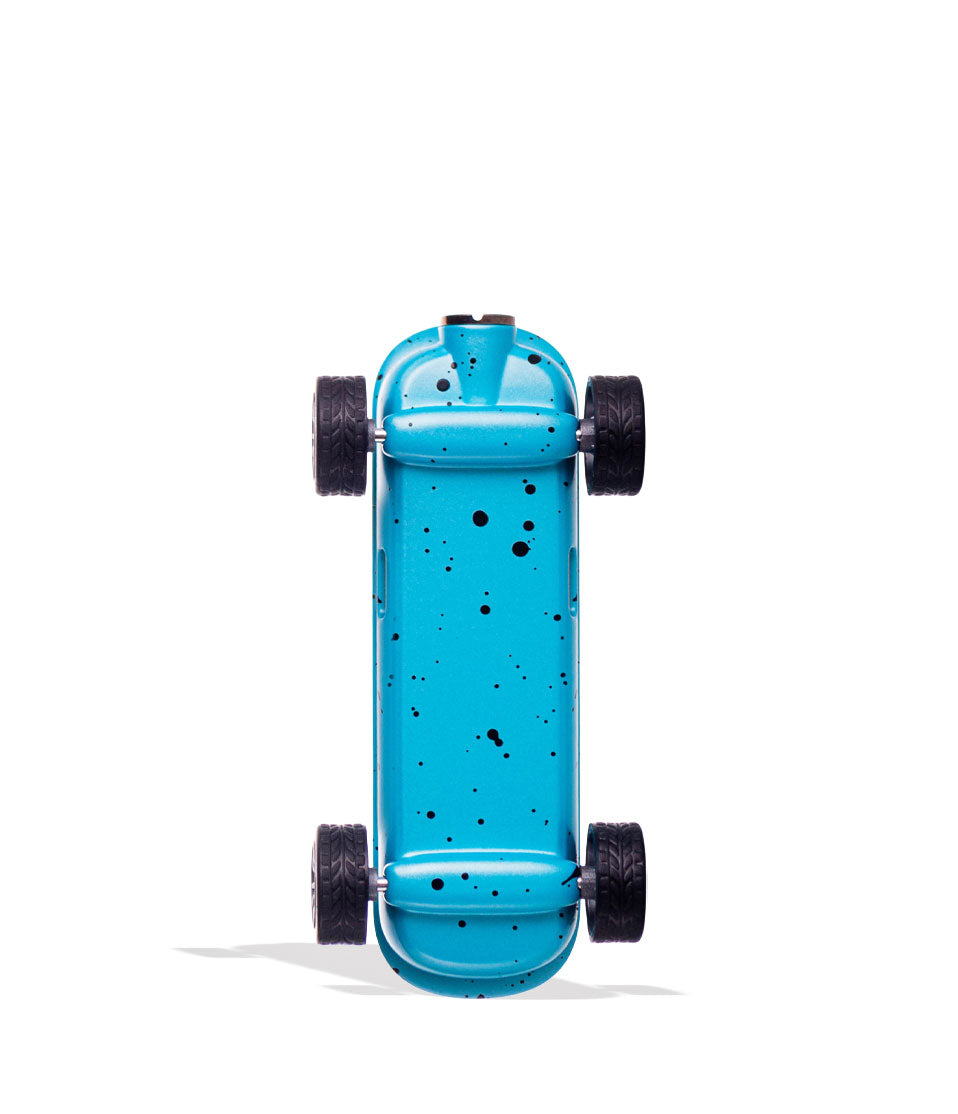
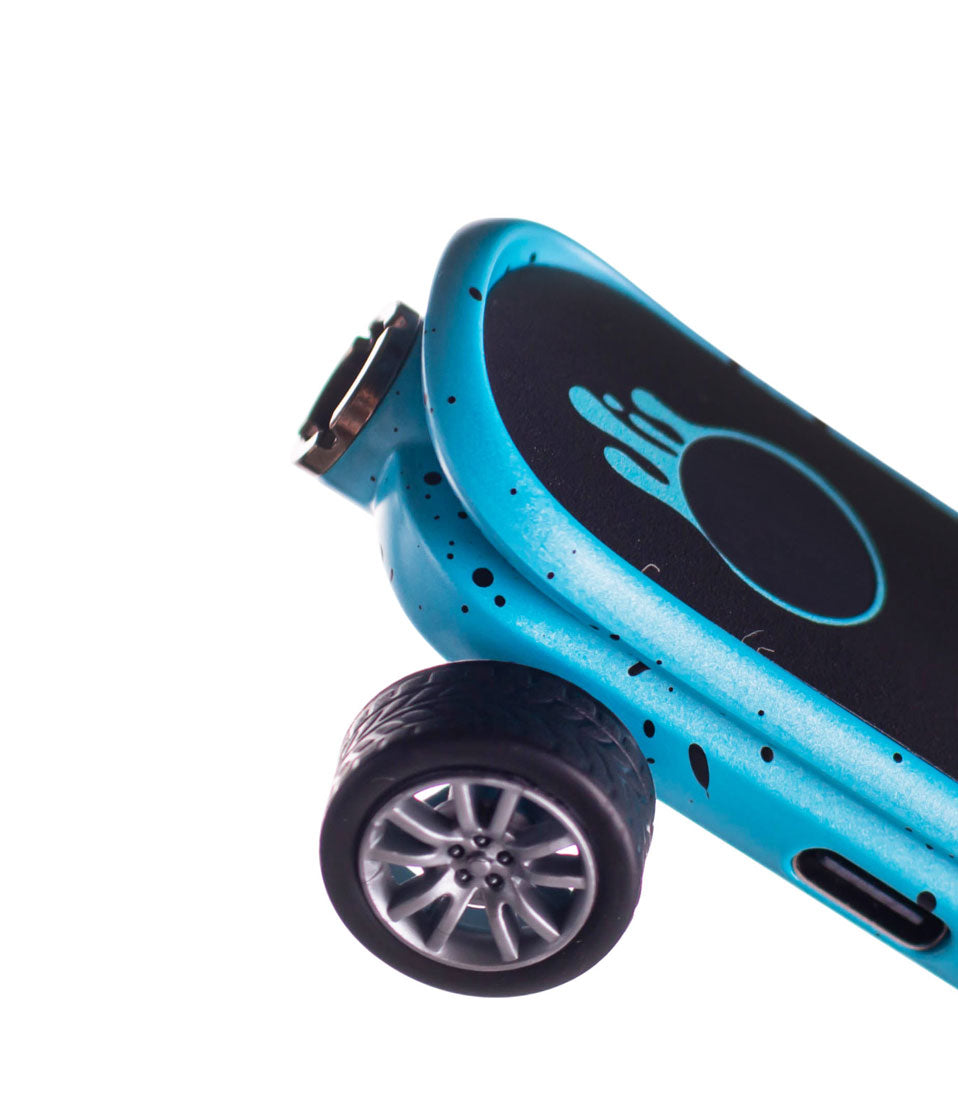
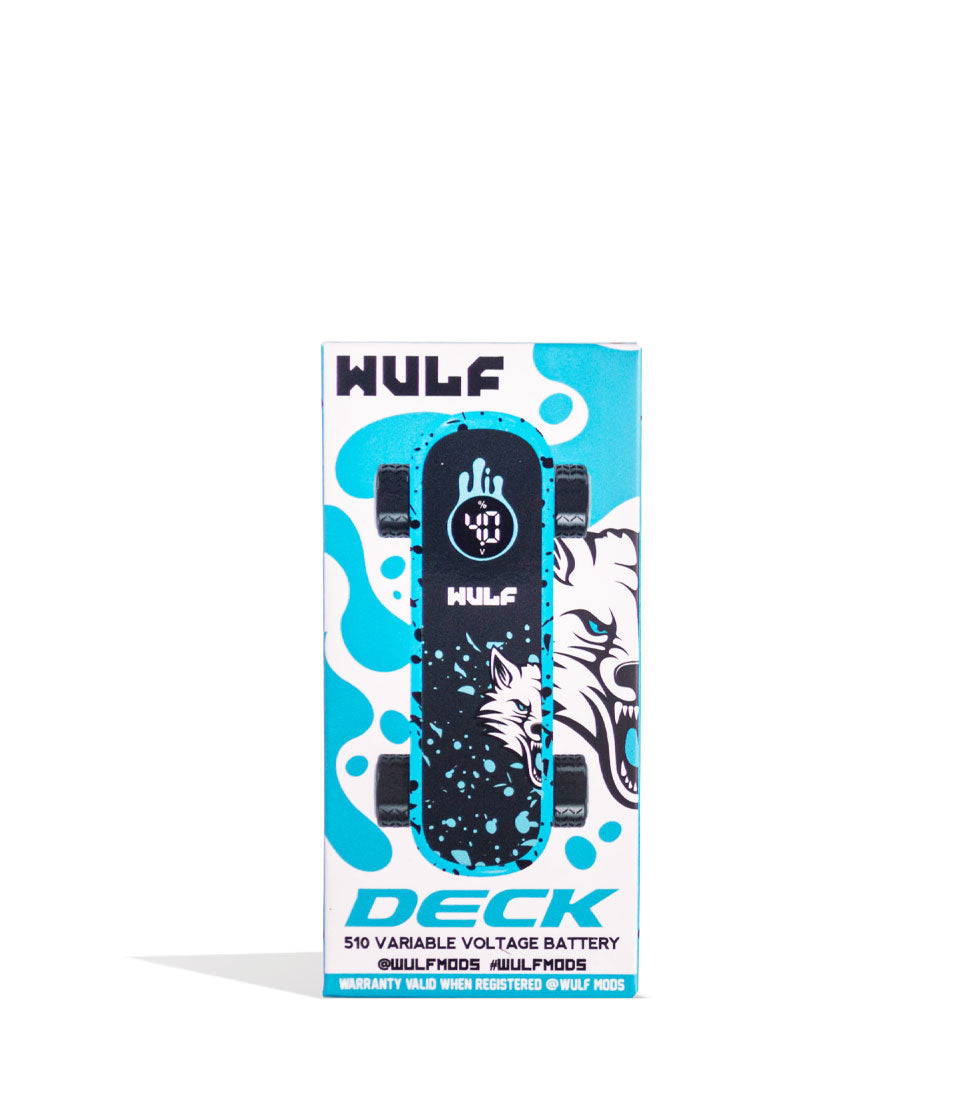
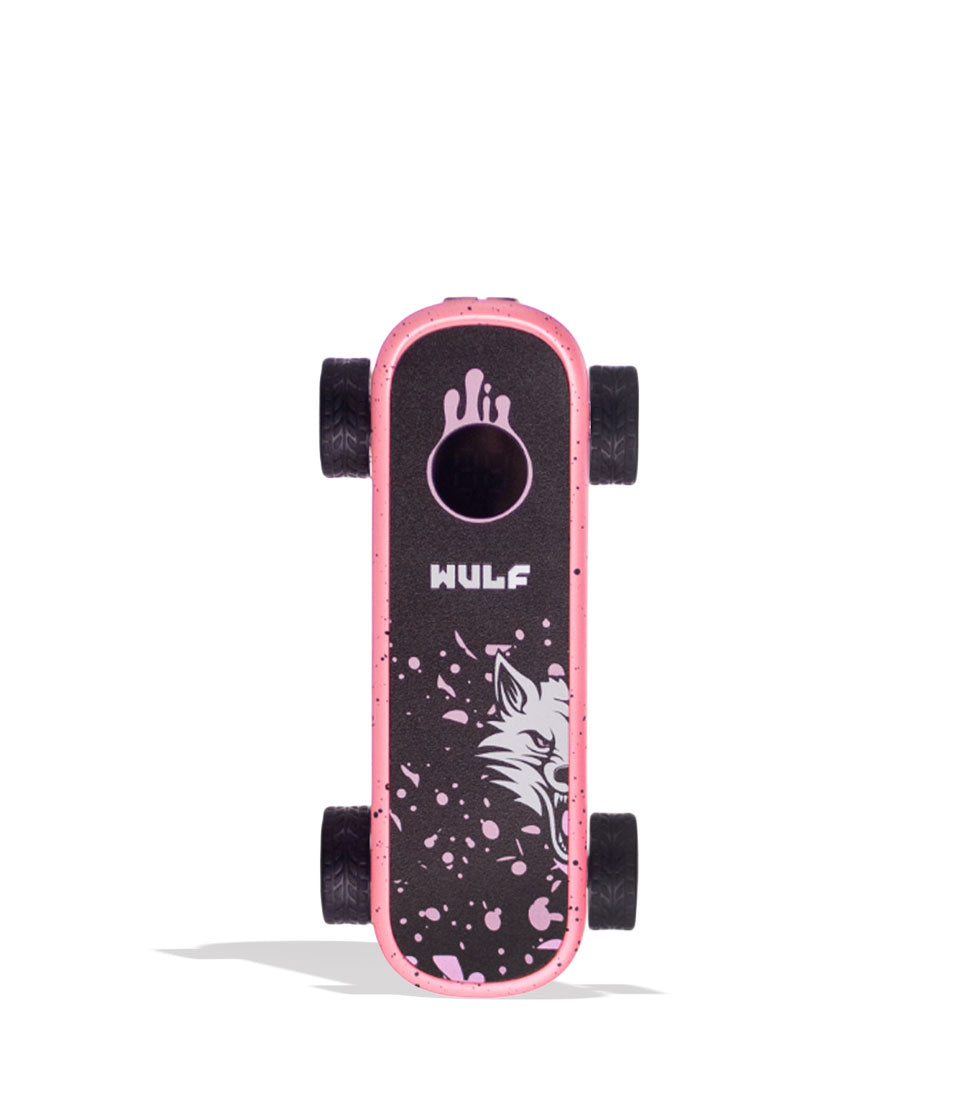
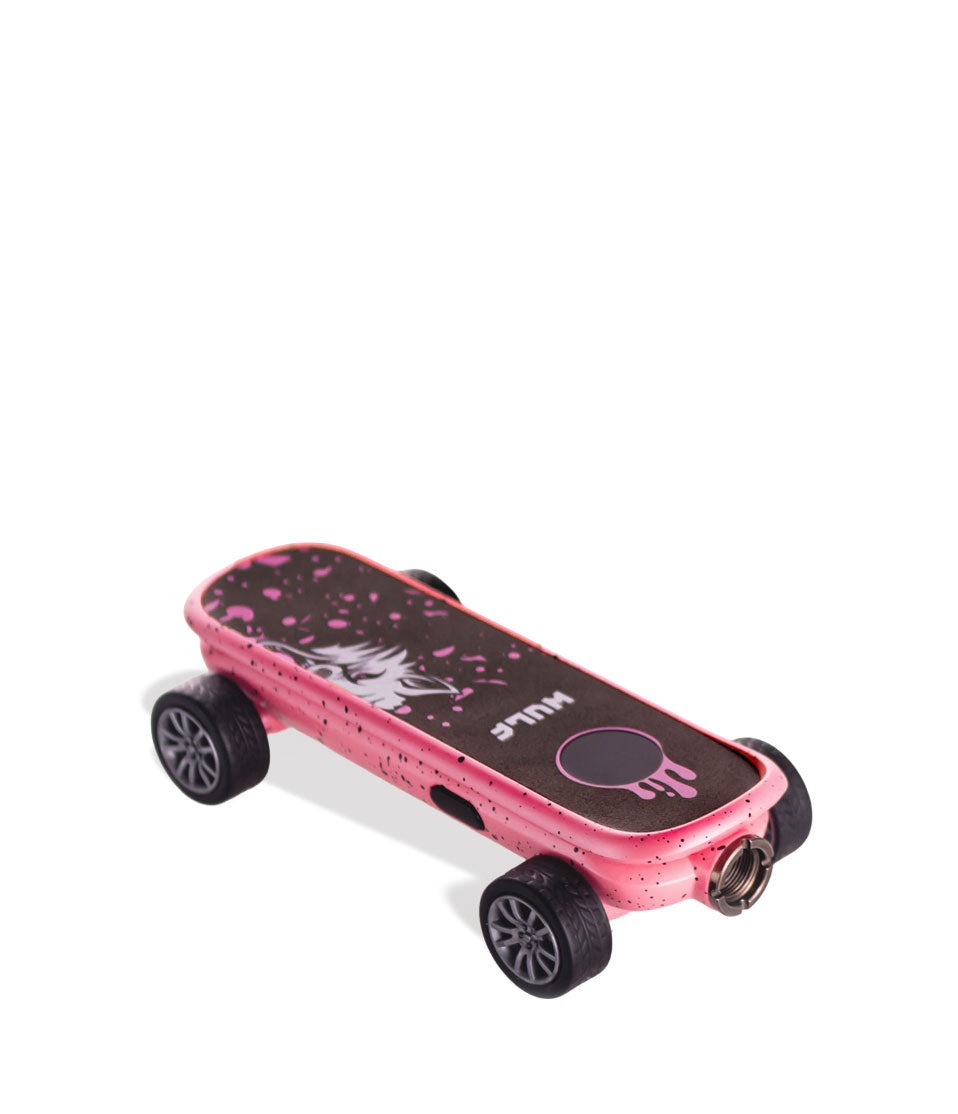
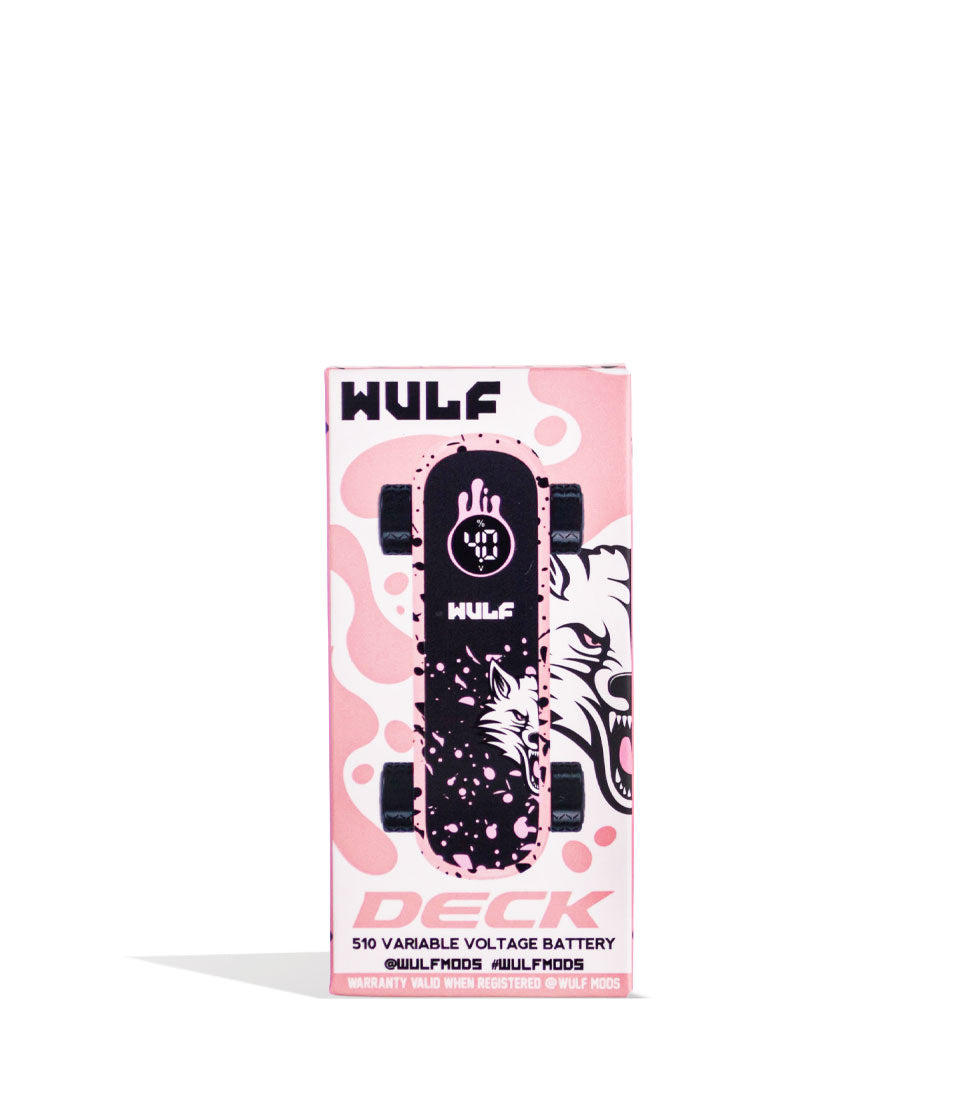
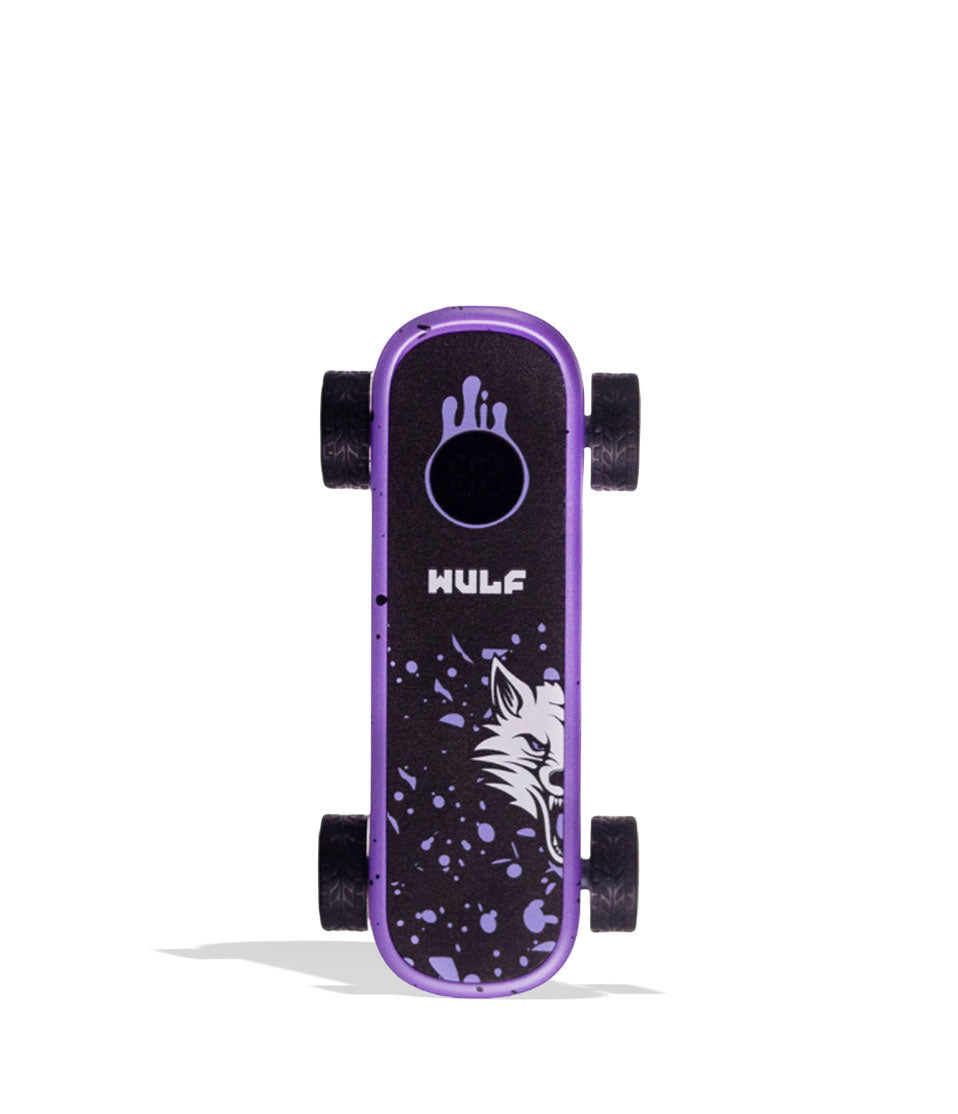
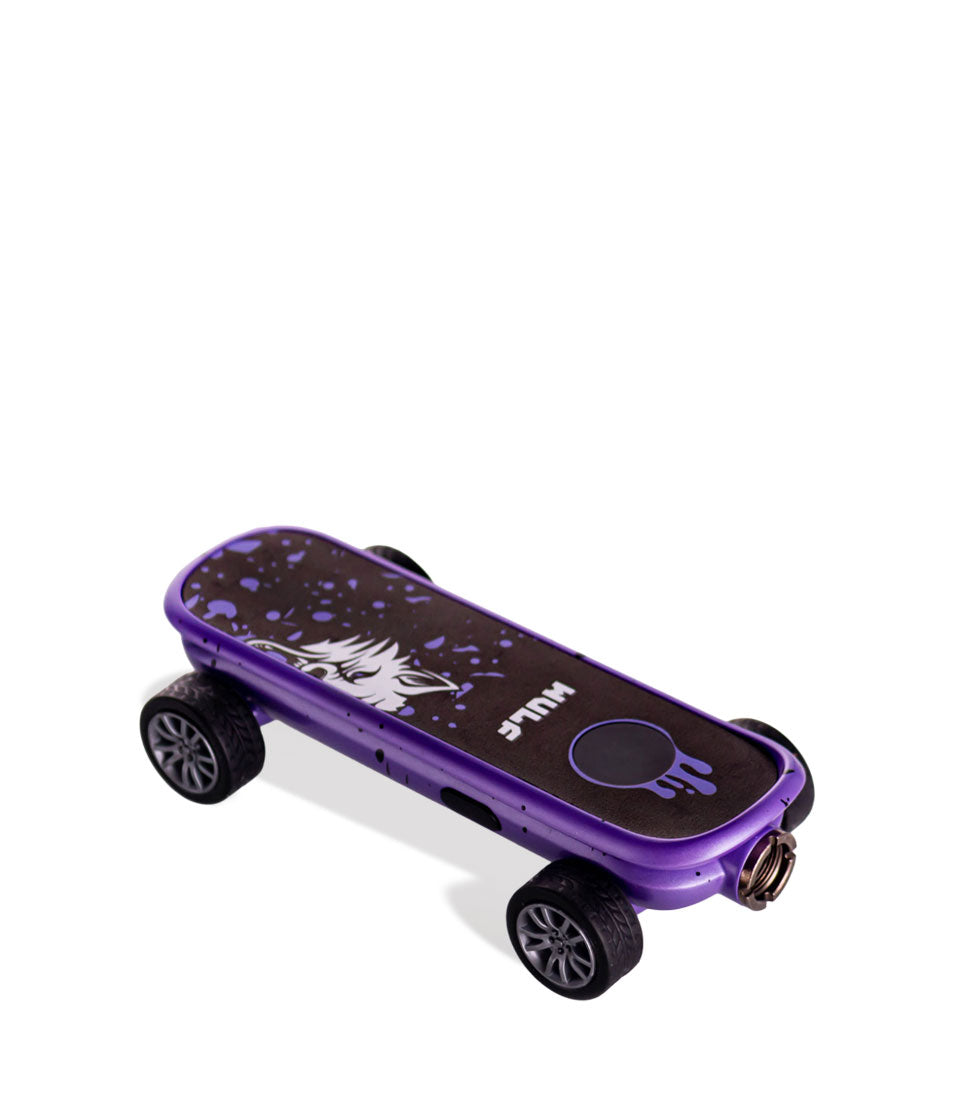
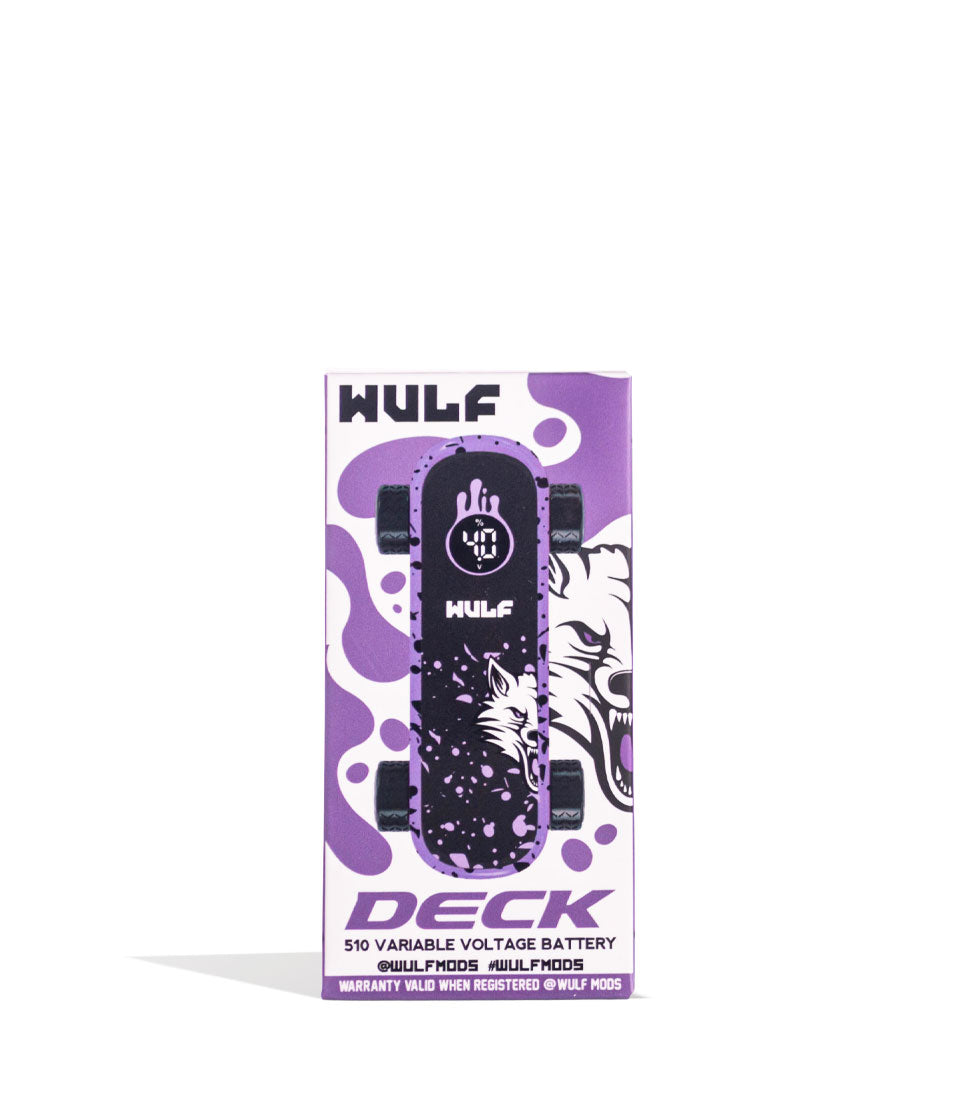
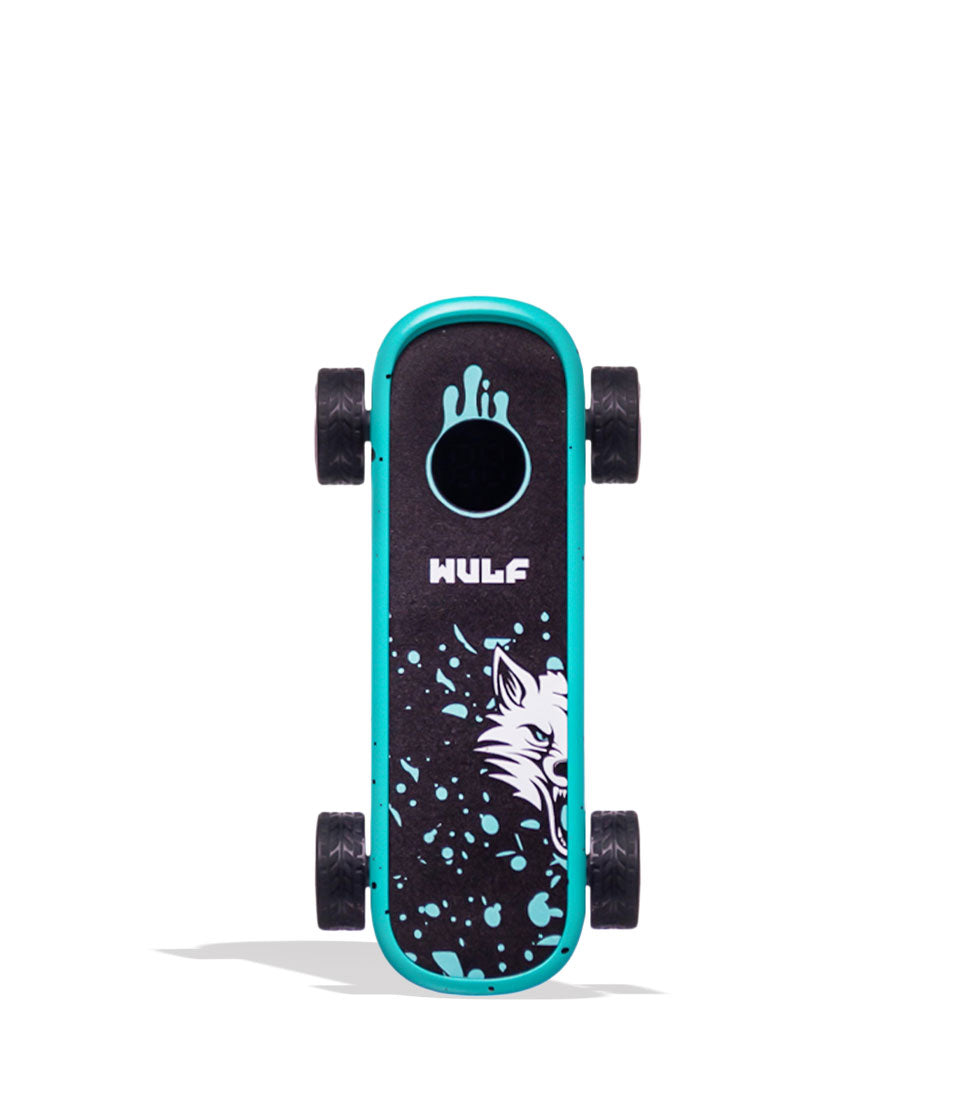
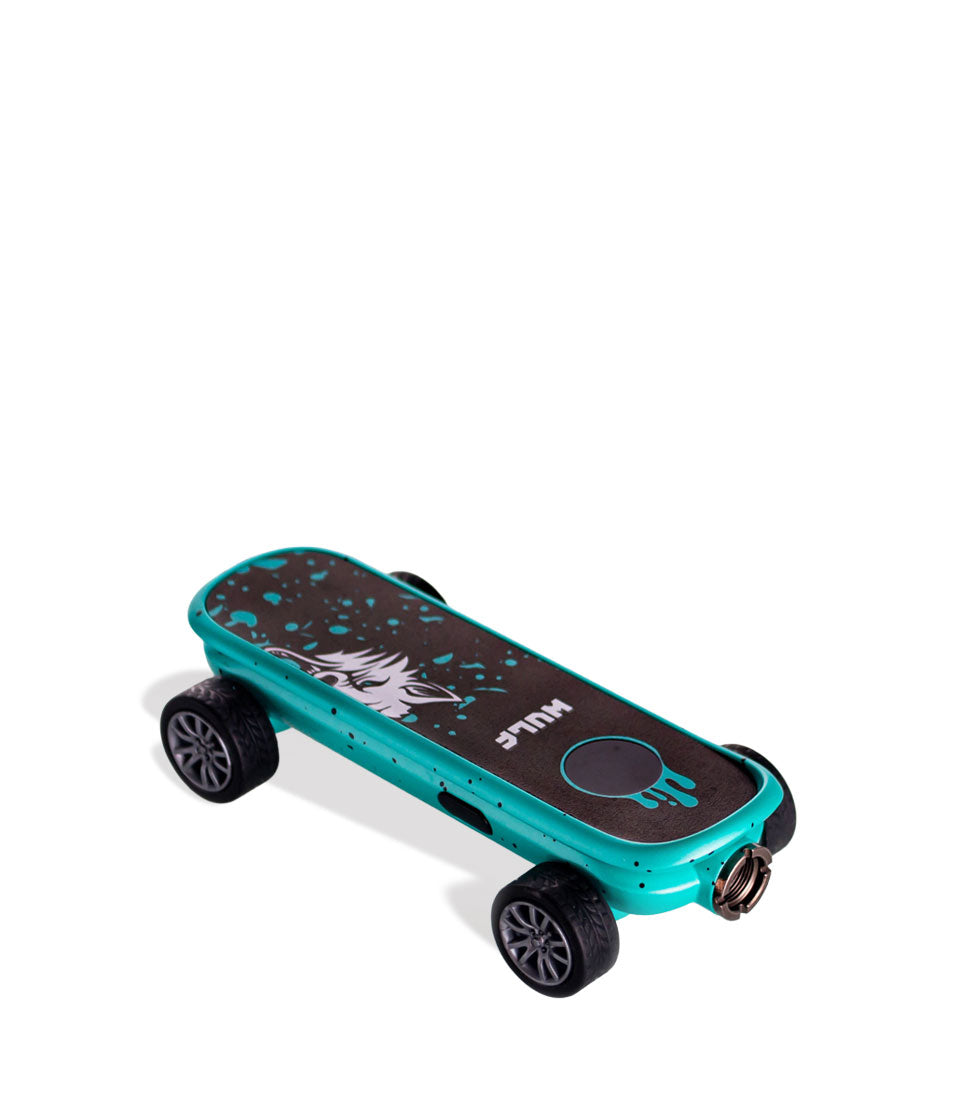
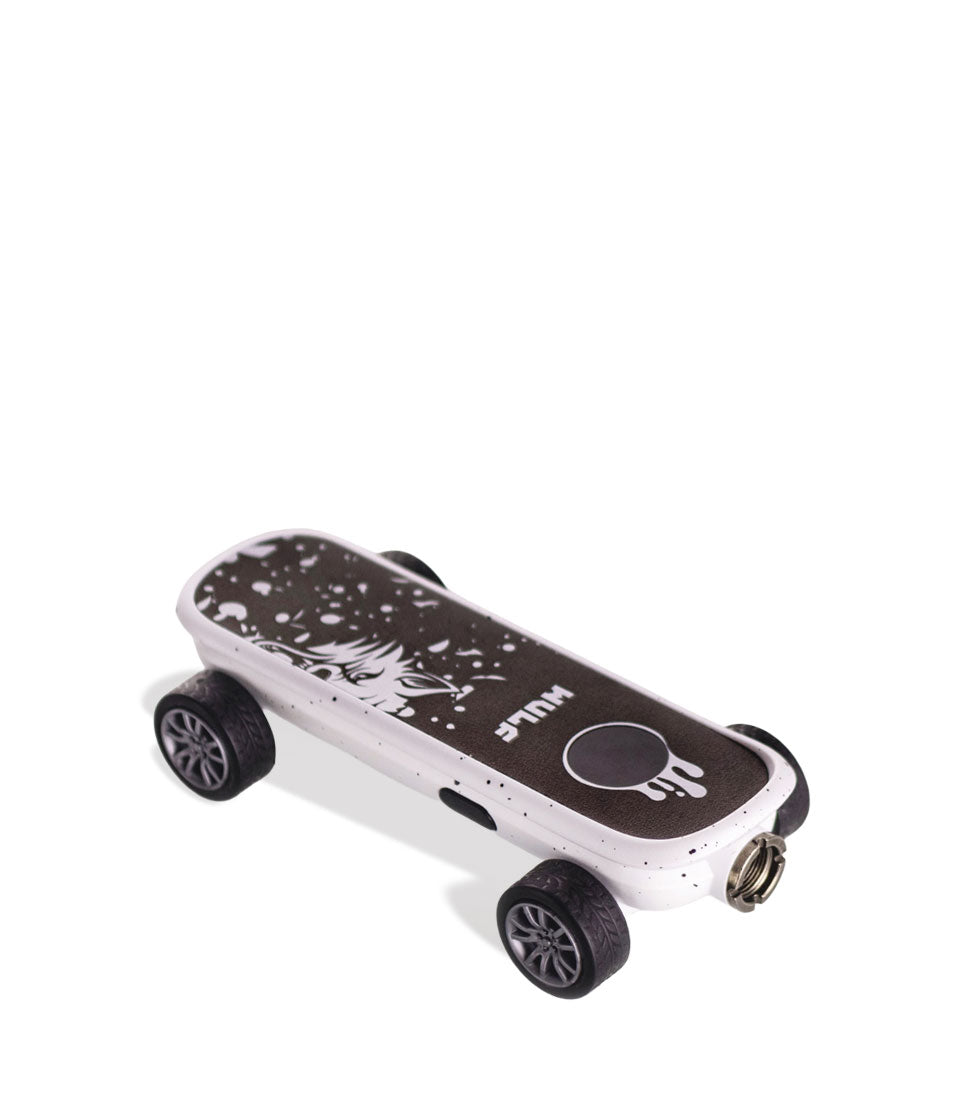
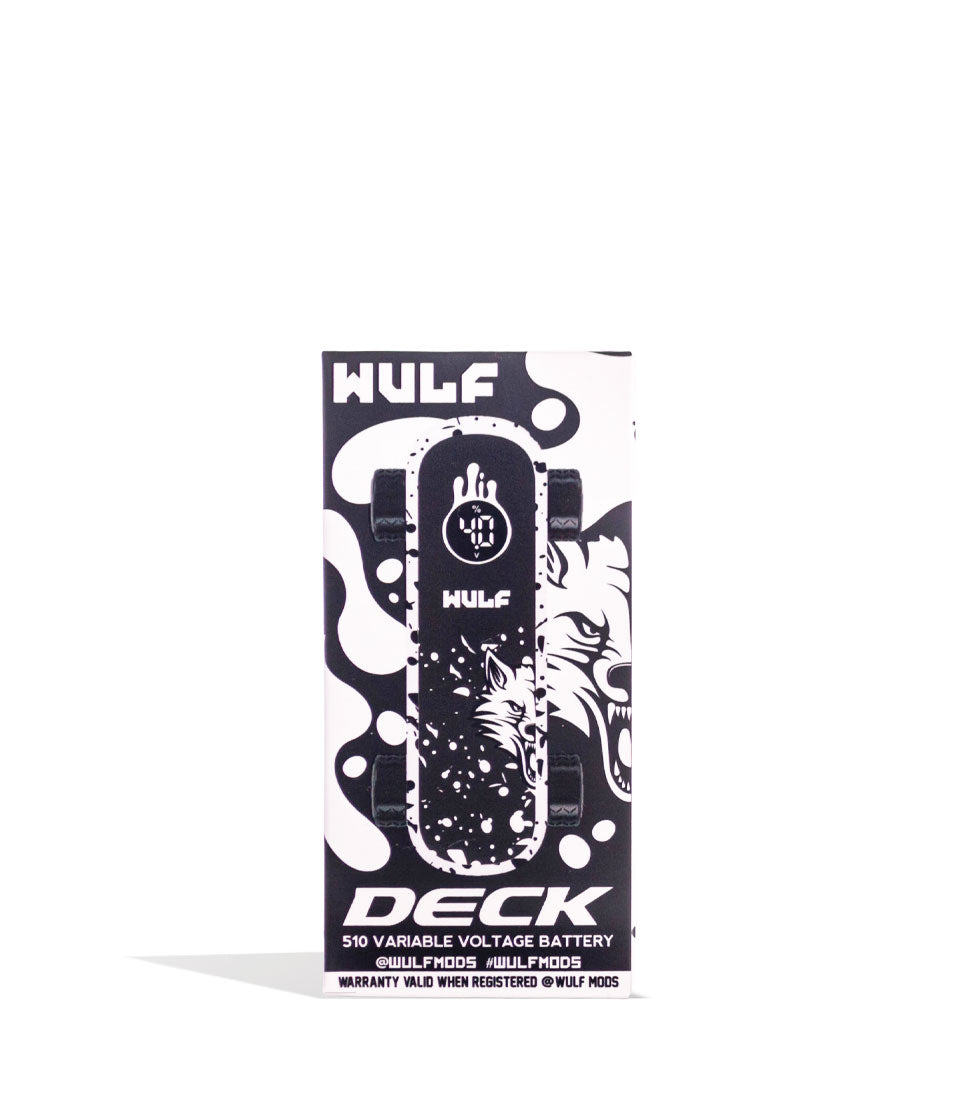
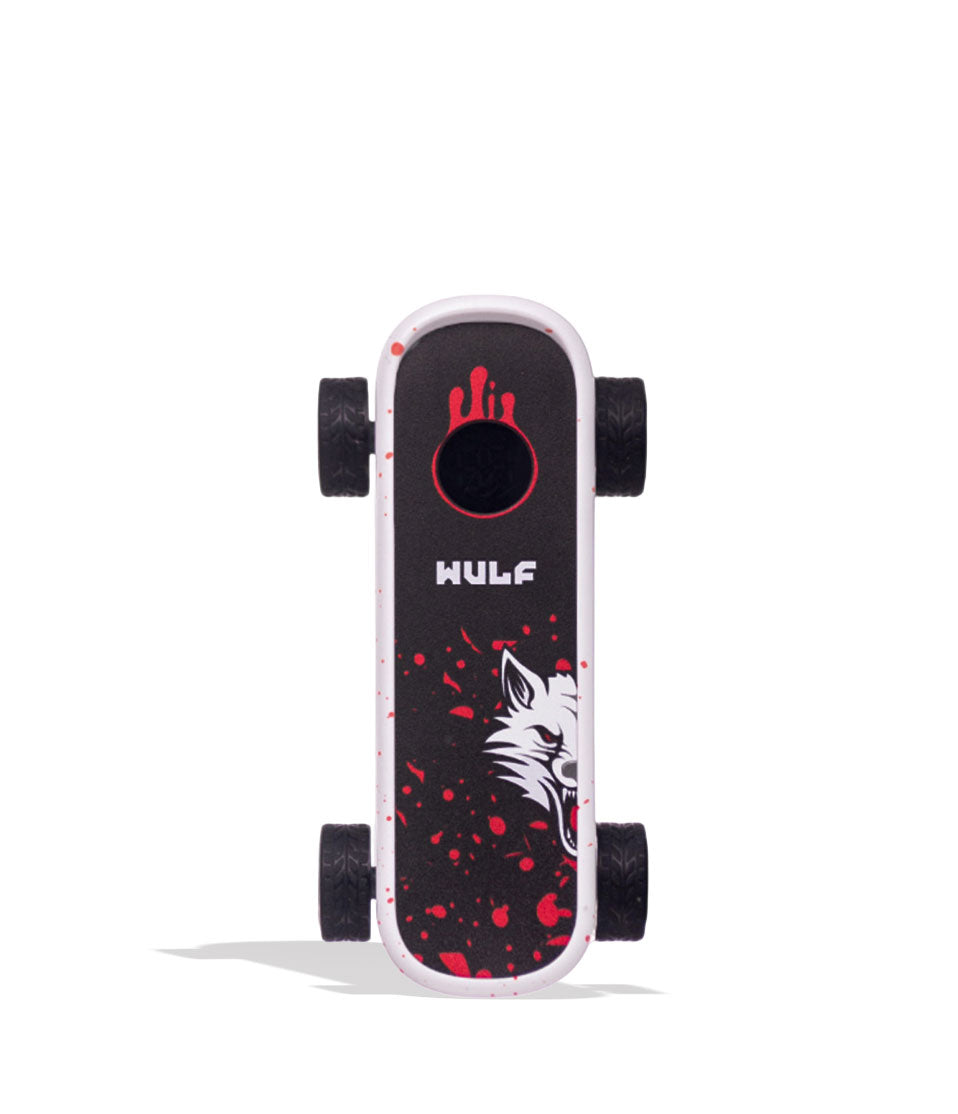
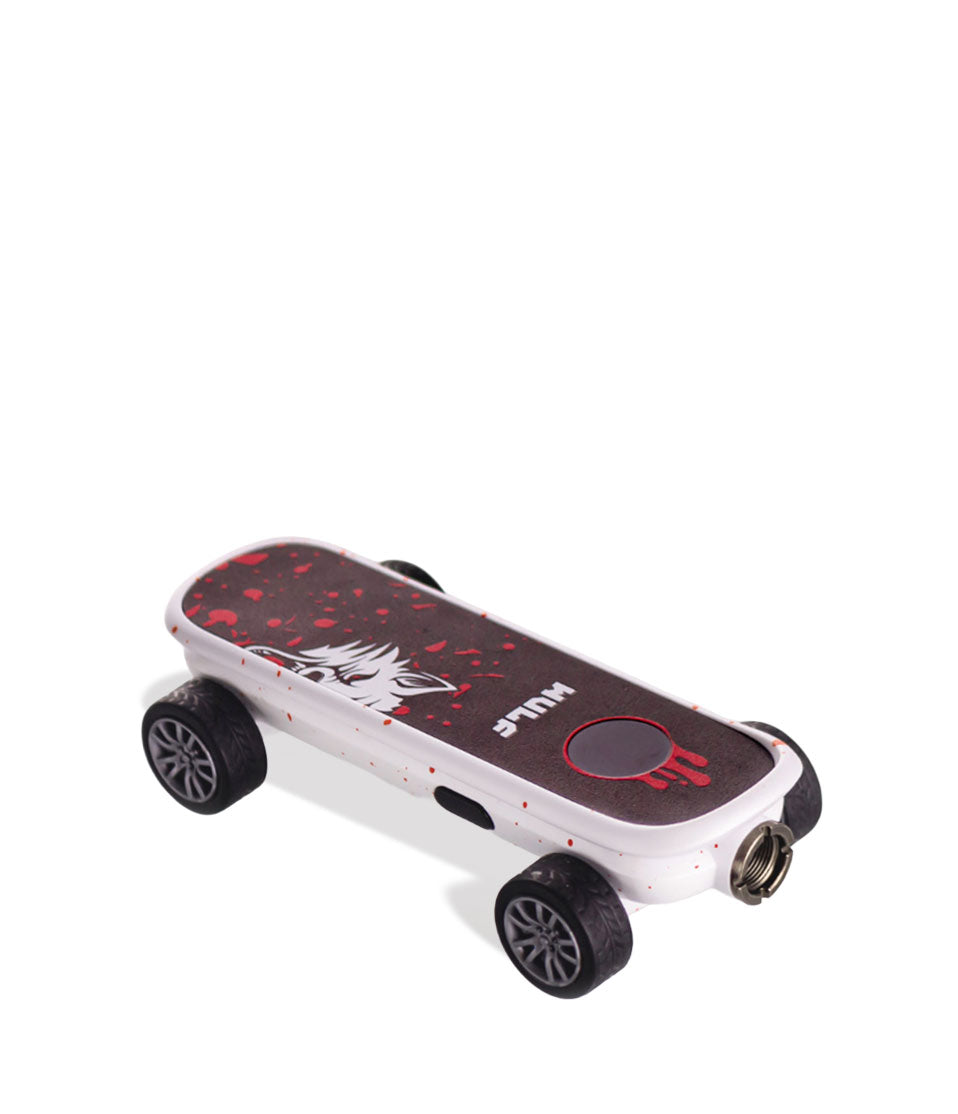
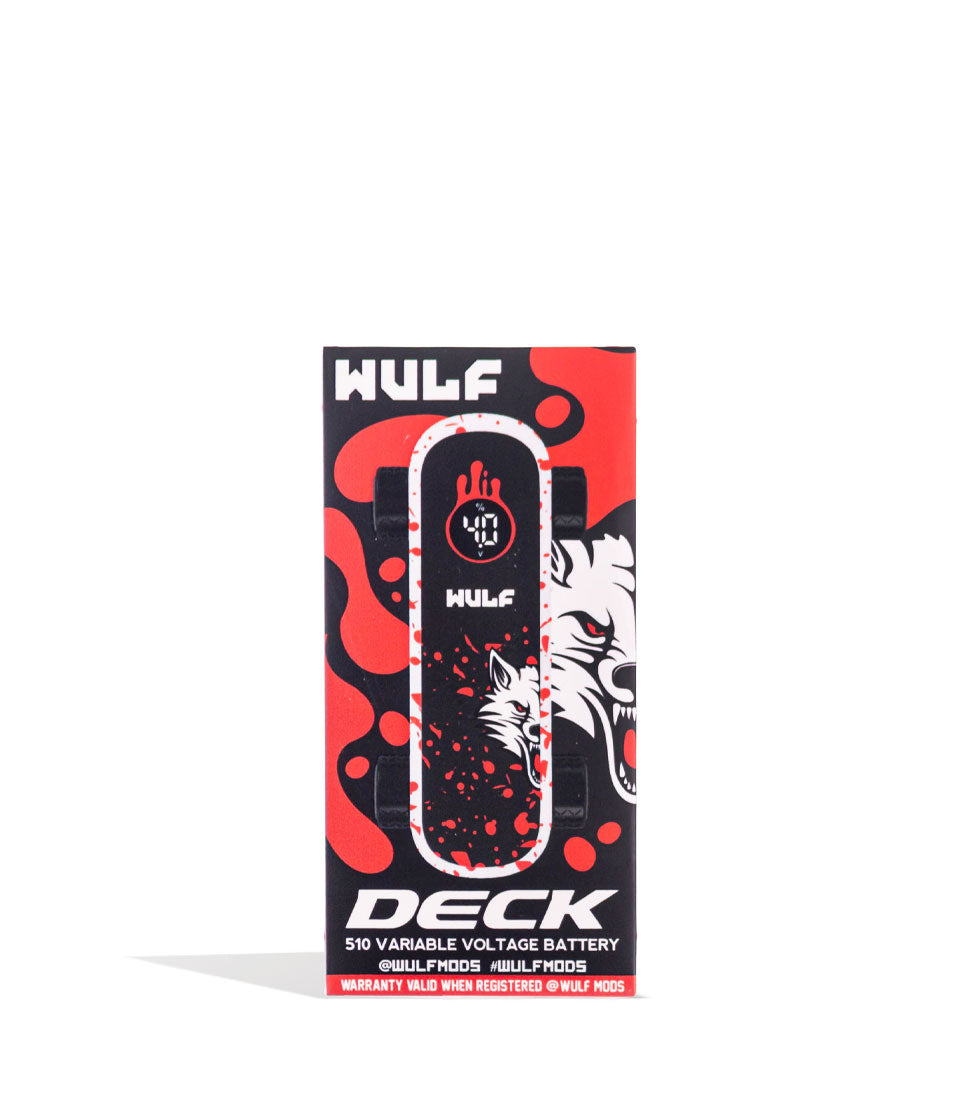
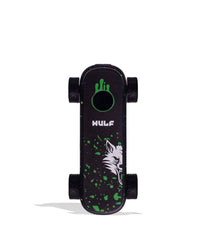
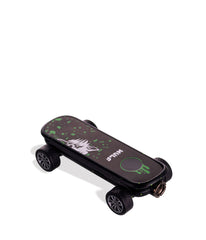
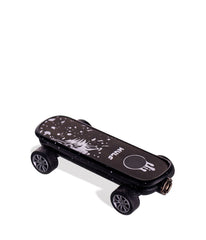
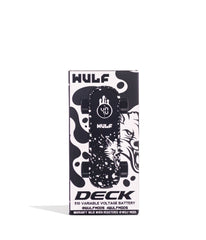
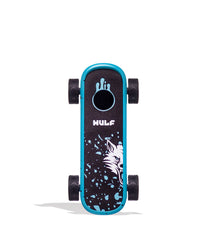
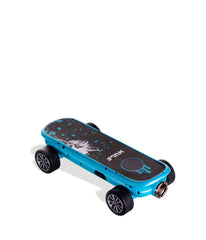
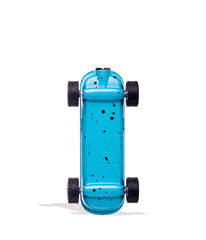
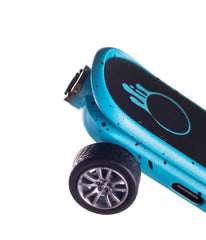
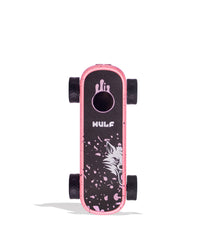
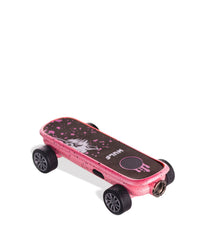
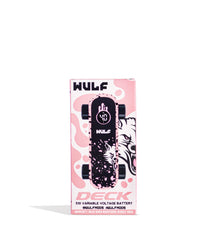
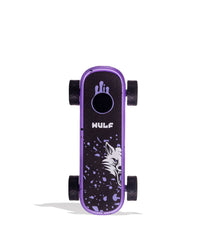
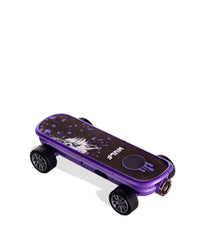
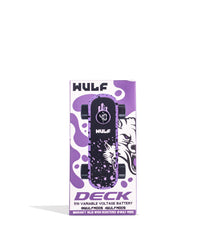
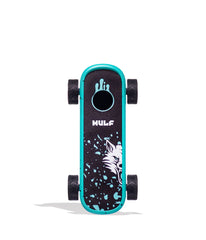
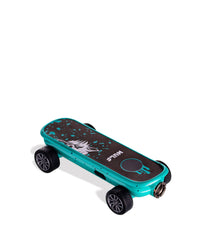
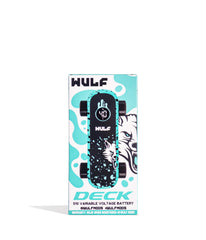
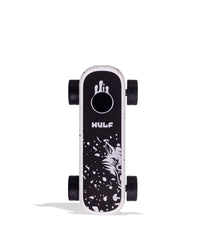
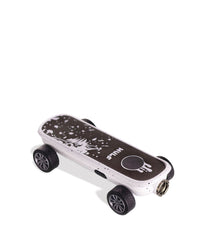
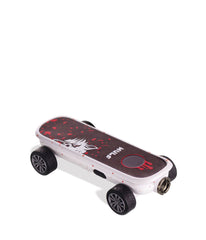
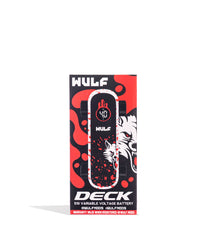
We’ve all heard of kick flips, but what about cart-flips? Well the future is now because the Wulf Mods Deck Voltage Battery is ready to drop in! The Deck pulls double time as a finger skateboard, complete with highlights like functioning grip tape, and as a fiery 510 threaded cartridge battery. This lets you hit tricks and your cartridge with the same device, making for the world’s first skateboard-vaporizer!!! Take a couple of rips before messing around with your Deck for some mini skate tricks and see if you can land the newly dubbed “Blinker-Kick-Flip” or use your creativity to make up your own cloud-centric combos!


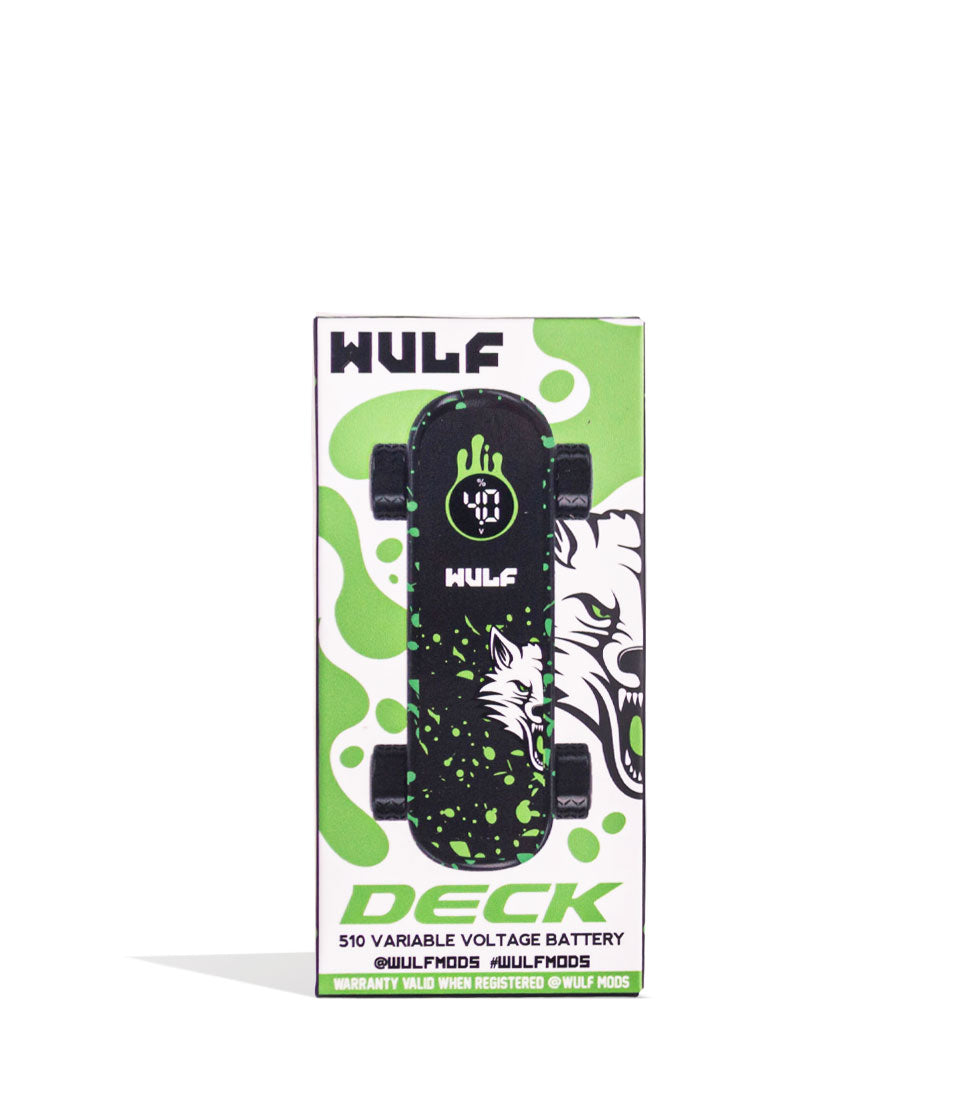
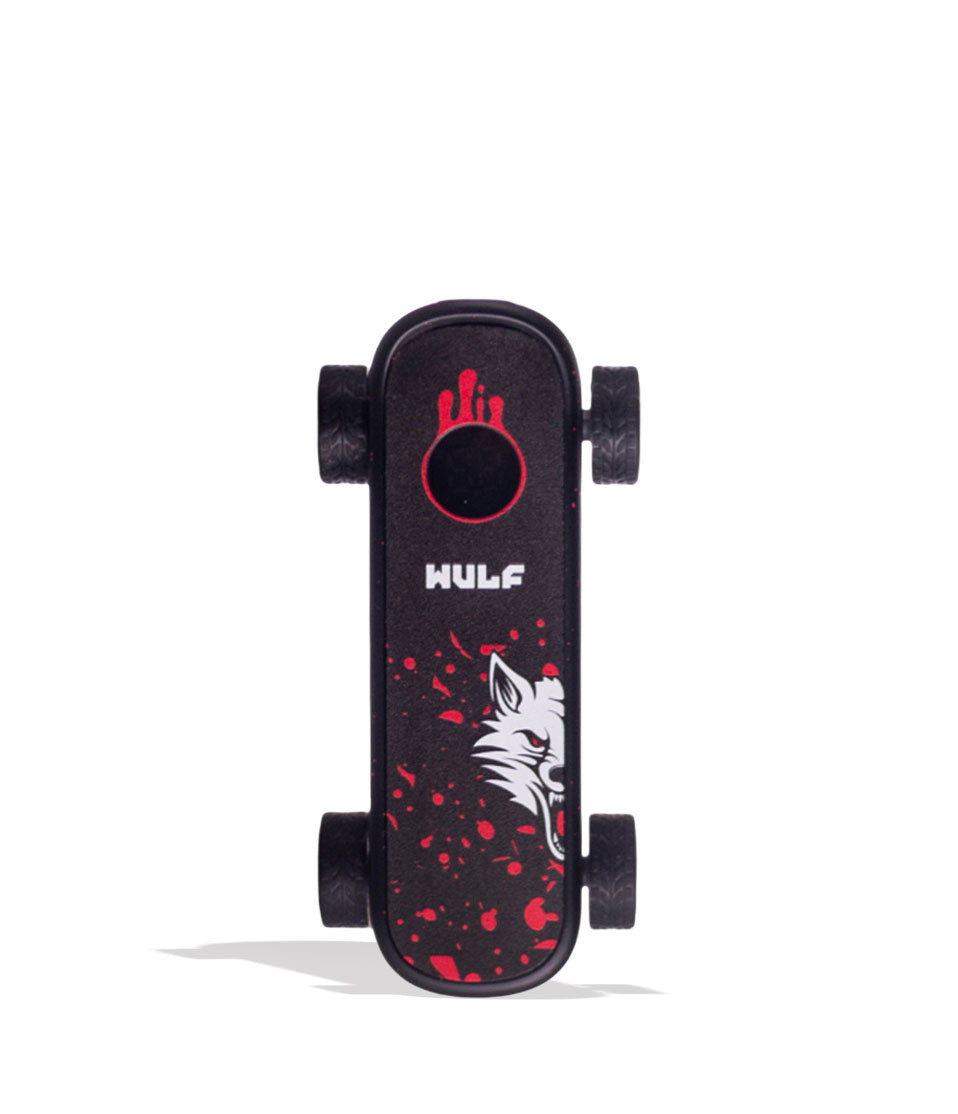
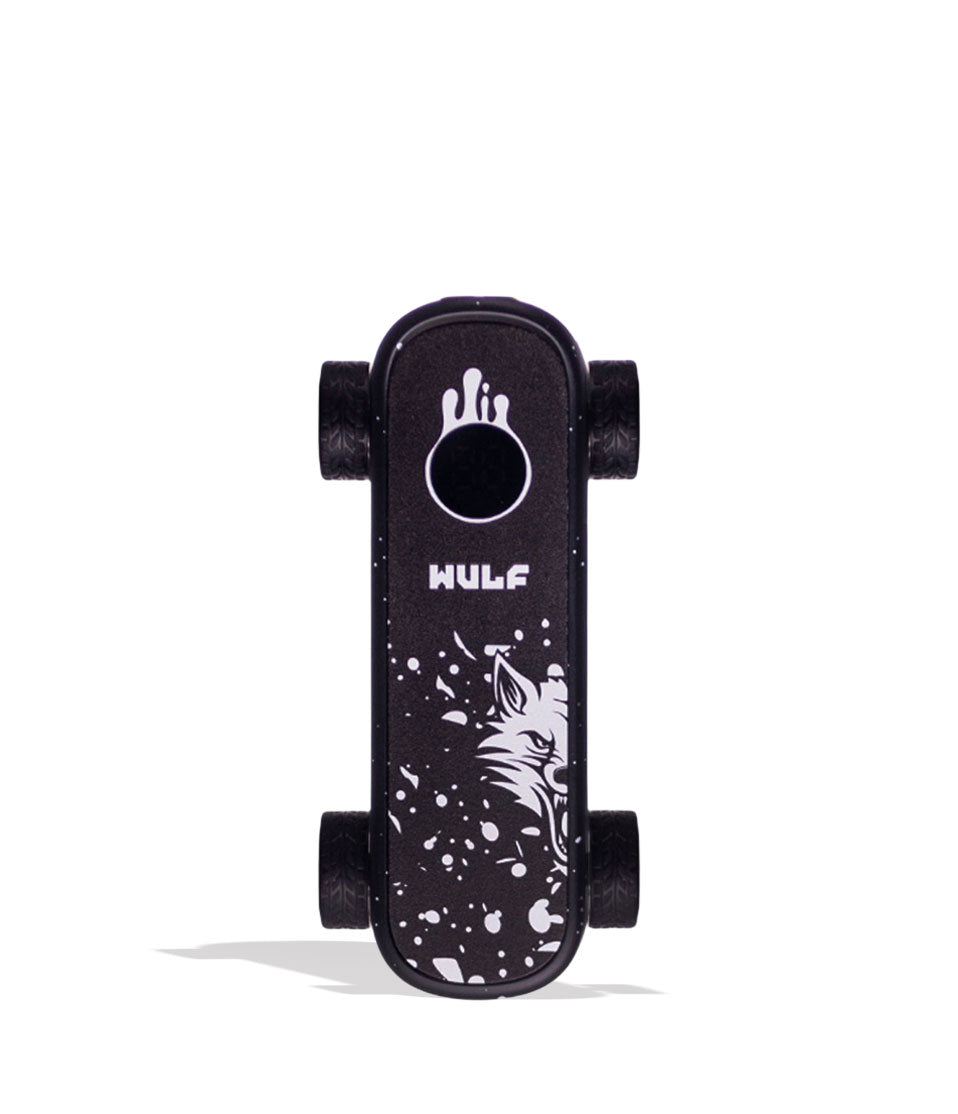
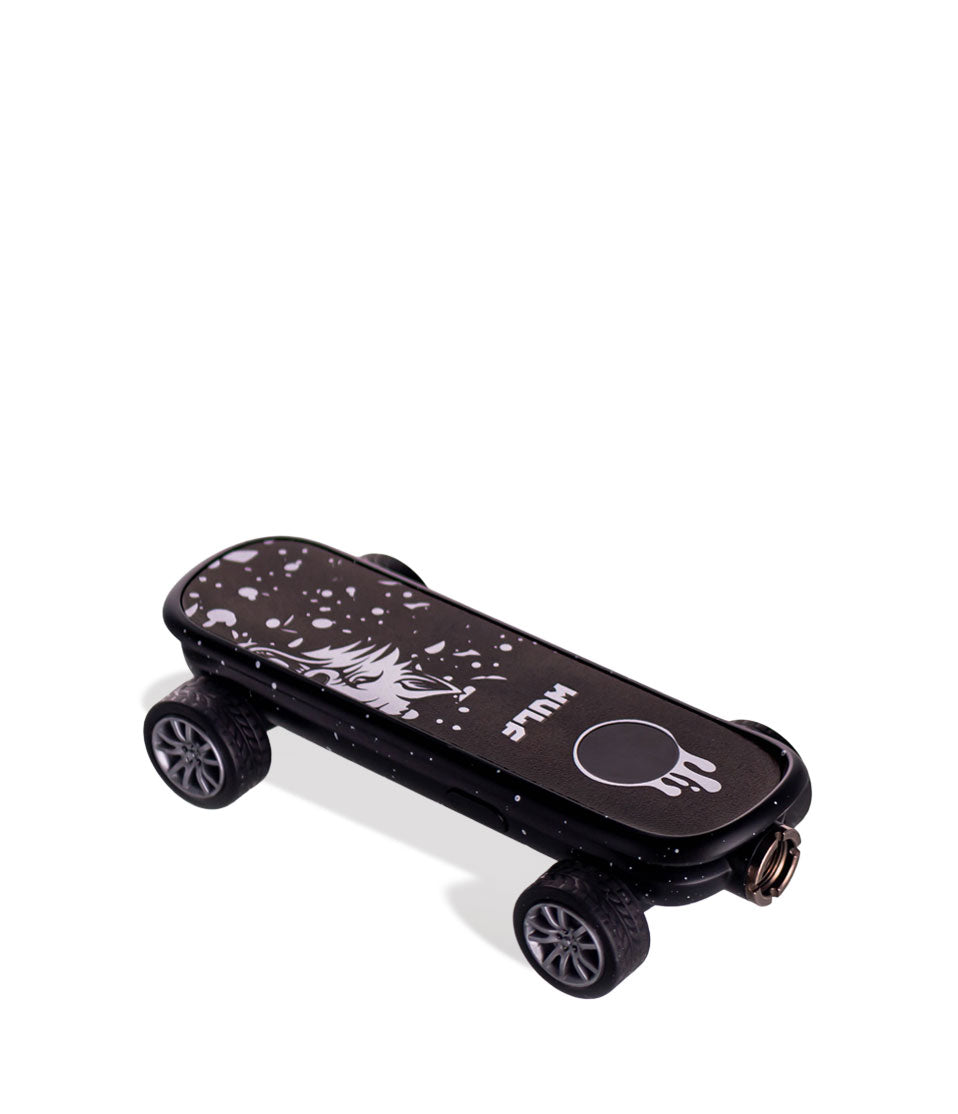
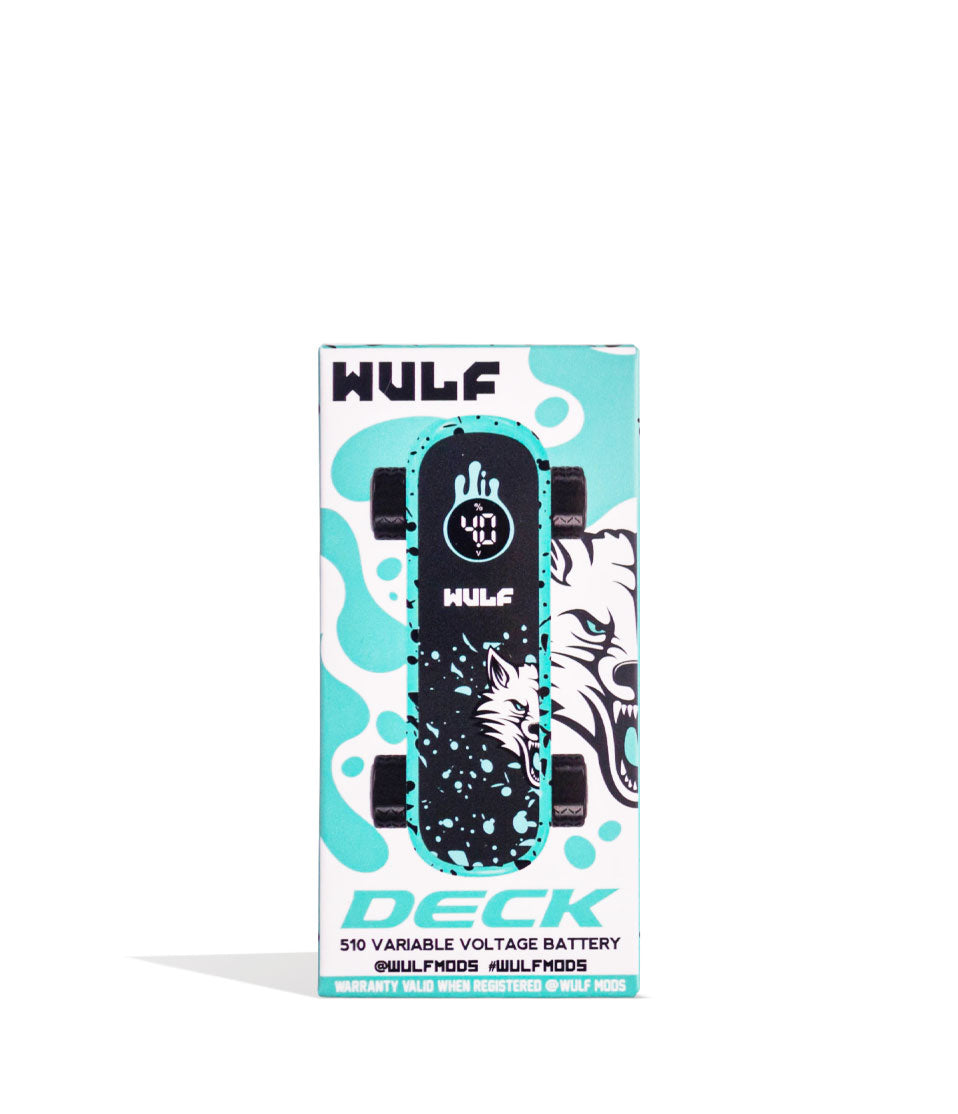
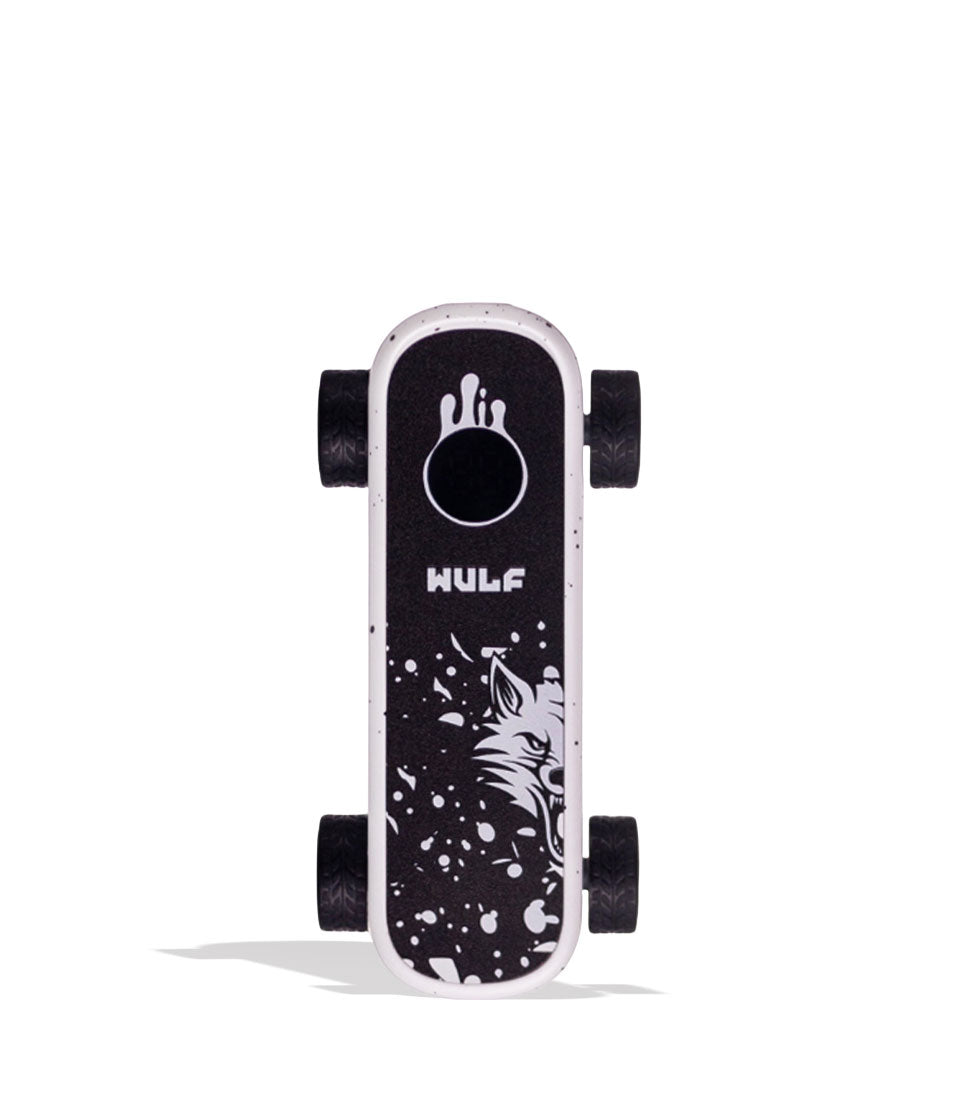
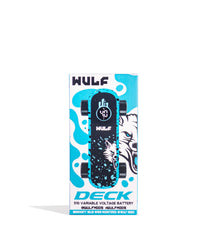
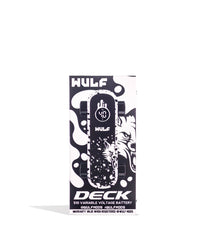
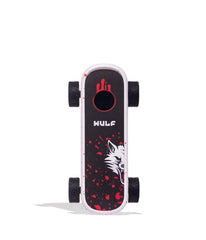
As for the tech in this Deck, you get to enjoy a 500mAh battery, a variety of 5 different temperatures (2.4, 2.8, 3.2, 3.6, 4.0v), and an extended 12s pre-heat mode. This gives you and your friends all the vaporizing power needed to enjoy the full spectrum experience contained within your cartridges. To ensure your Deck matches your personal vibes, we released 9 unique color choices ranging from black-red spatter to a swirling full color. Hop on board with the Deck Voltage Battery today and get ready to shred some gnarly clouds with Wulf Mods!

Have a Deck in hand and looking to start ripping clouds? First choose a 510 threaded cartridge from your collection of any size and then carefully twist it into the threaded connection on the top of your device. Once the cartridge is snugly twisted into your Deck, you are all ready to go!

When you're ready, kick things off and start riding some clouds, press the power button on your Deck 5x in a row. This will turn on your battery and cause the screen to light up, letting you know it’s all ready to start ripping. Hold down the power button and inhale from the cartridge mouthpiece to start enjoying your clouds, simply releasing it whenever you’ve had enough. To wind things down for the time being, press your power button an additional 5x to switch it off.

Experiment with the 5 different temperature settings (2.4, 2.8, 3.2, 3.6, 4.0v) to find your favorite combination of fire and flavor by pressing the power button 3x in a row. This will change your temperature to the next in line and display your new current setting on the screen. Continue to press the power button 3x in a row to cycle through all of the options. When you’ve reached your desired temperature, simply stop pressing the power button and enjoy the new setting.
For an extra gnarly cloud that hits twice as hard, press the power button on your Deck 2x in a row to activate its 12s pre-heat function. This begins a countdown where your Deck slowly warms your cartridge, getting it primed for an extra powerful hit. When your screen stops flashing, you can then use your Deck like normal and enjoy the pre-heated cloud.

Keep your sessions howling by making use of the Deck’s USB-C charging port to ensure you're always at full battery. Once plugged in to charge, the screen on your Deck will begin to flash to let you know it’s connected. After it’s reached full capacity, your screen will stop flashing after 10s and power down to let you know it’s time to disconnect.
Head up! Your Deck is programmed with a host of different troubleshooting warnings in order to give you visual notices that something is up. Take a look below to get an understanding of what the Deck is trying to tell you and enjoy the smoothest possible sessions.
Keep your sessions rolling smoothly by performing basic maintenance on your Deck. To do so, first turn off your device and fully disconnect the attached cartridge. Once disassembled, take a q-tip or swab dampened with isopropyl to completely wipe down the threaded connections, mouthpiece, and body of both components. Pay careful attention to the wheels on the Deck, using the swab to ensure any grime or dirt is removed. After you’ve fully wiped down the device and cartridge, leave both parts to dry completely before attempting to use them again.


What’s Included:
WARNING: Do not charge with a powerbank of 5V or higher. Do not charge in your car. Do not overcharge. Failure to follow these instructions could result in battery damage and frying of the internal system.
You may return most new, unopened items within 30 days of delivery for a full refund. We'll also pay the return shipping costs if the return is a result of our error (you received an incorrect or defective item, etc.).
When you place an order, we will estimate shipping and delivery dates for you based on the availability of your items and the shipping options you choose. Depending on the shipping provider you choose, shipping date estimates may appear on the shipping quotes page.
Wulf Mods
Receive our latest updates about our products & promotions.
Thanks for subscribing!
This email has been registered!