




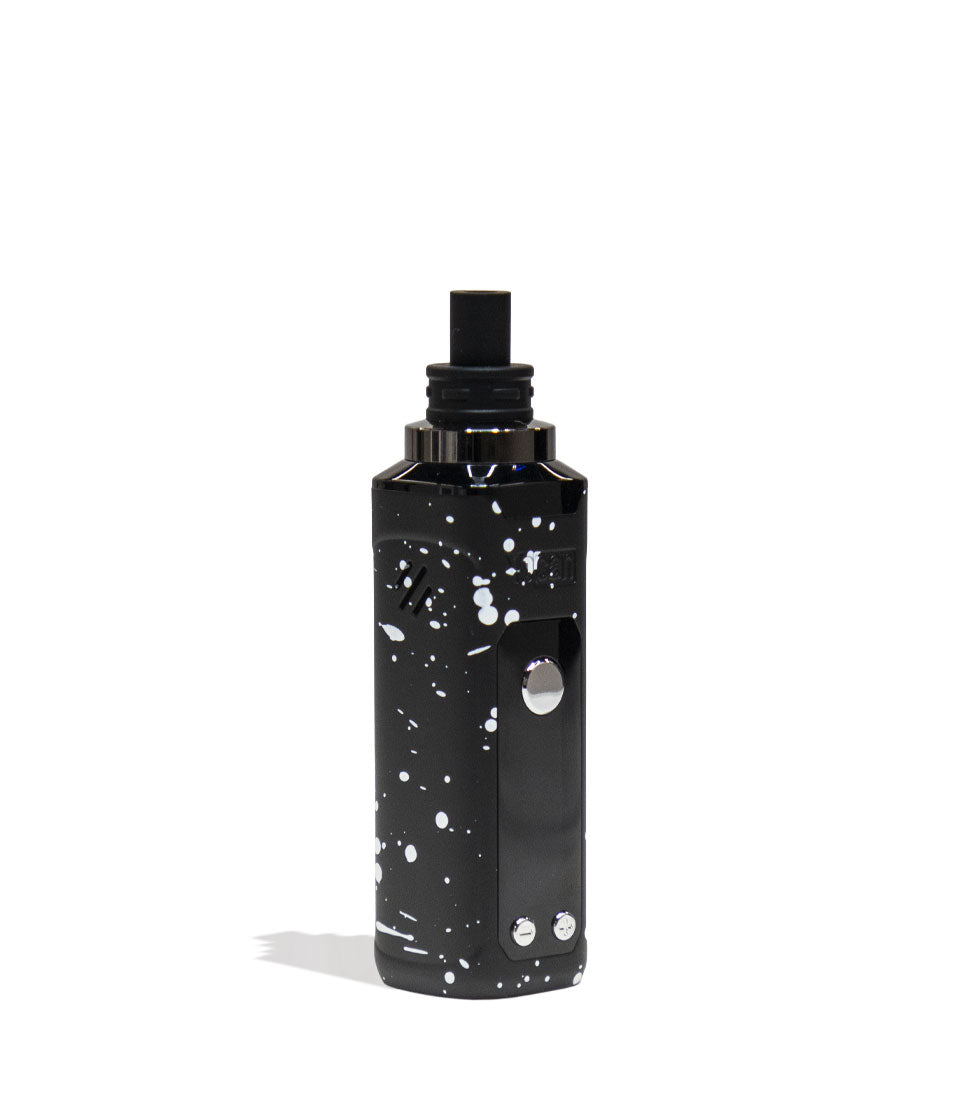

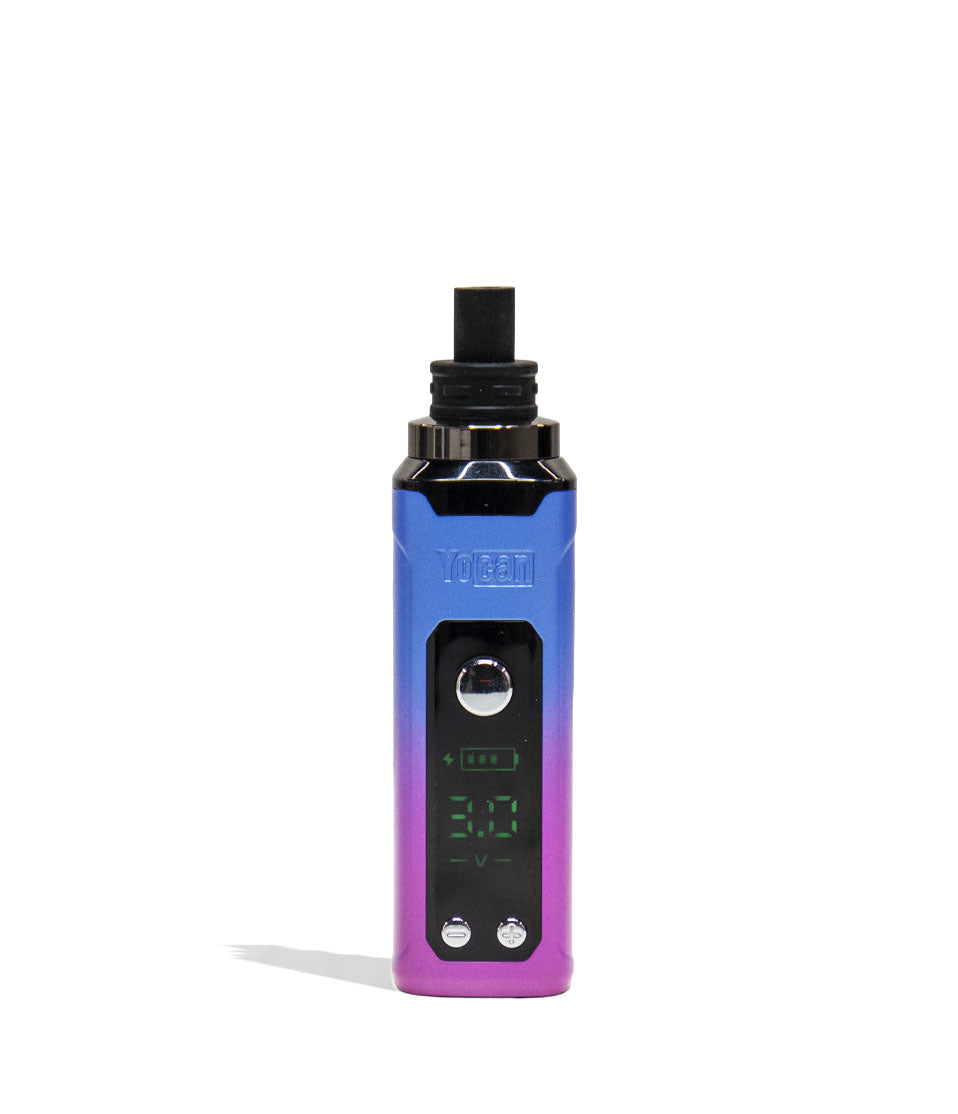

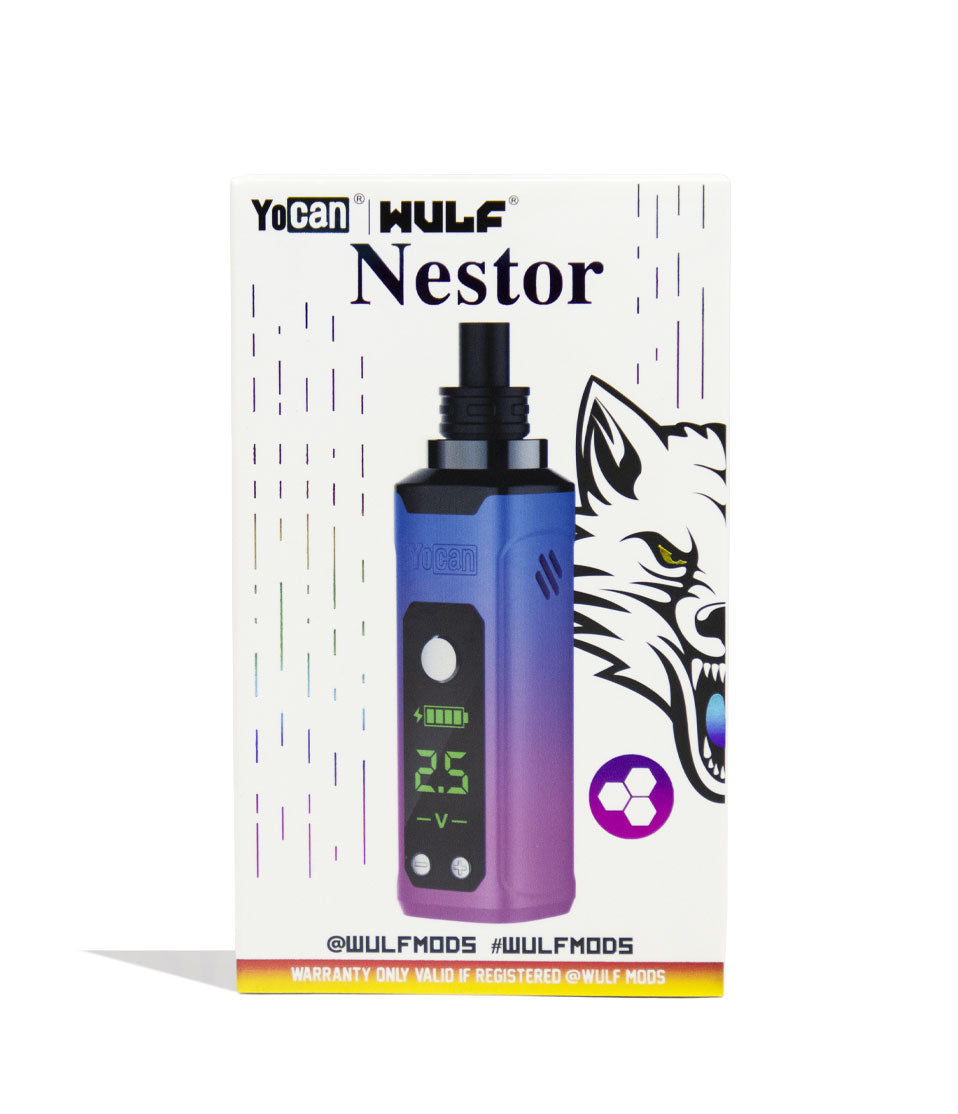
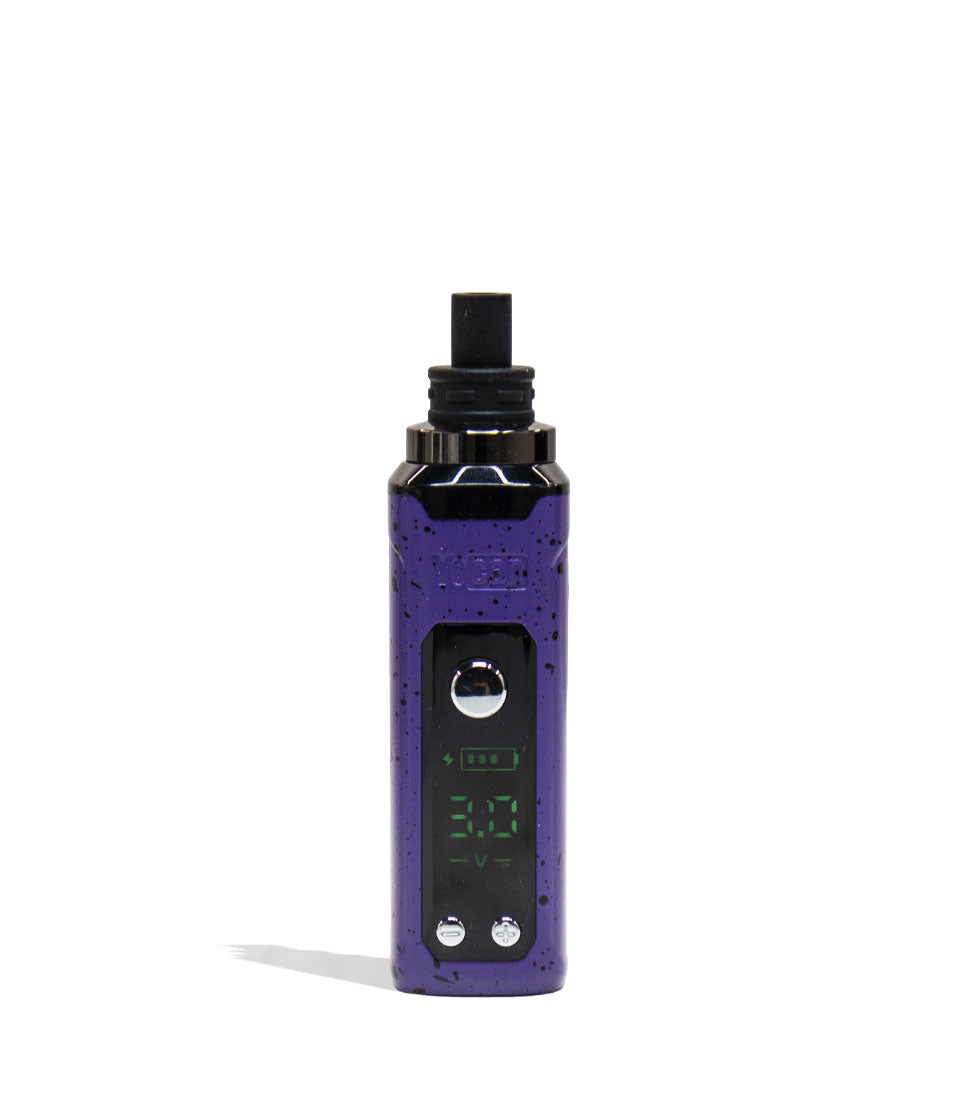
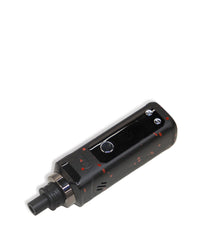
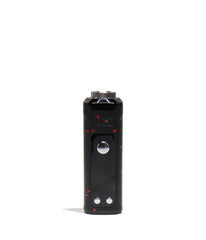
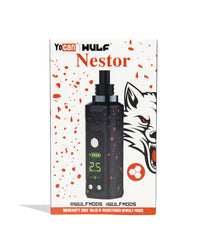

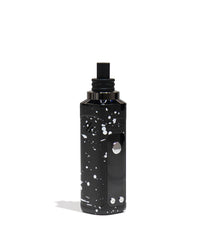
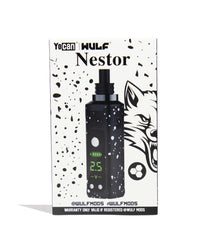
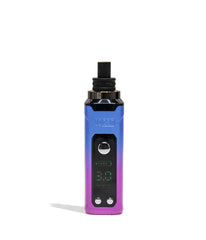
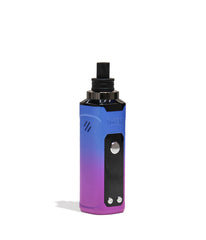
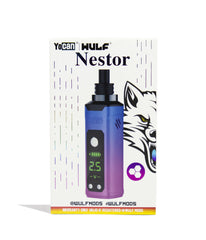
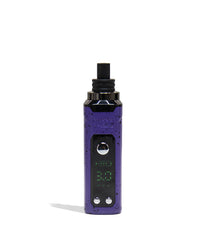


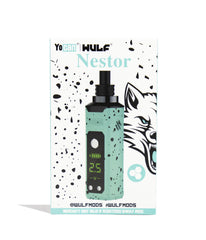
Wulf Mods Nestor Portable Concentrate Vaporizer
Vendor:
Wulf Mods
Availability:
In Stock
- $39.99
$0.00- $39.99
- Unit price
- per
Please hurry! Only 29 left in stock
| Specs | |
|---|---|
 Compatible With Compatible WithLists what materials the vaporizer can handle, such as dry herb, wax, concentrates, or 510 carts.
|
Concentrates
|
 Heat Up Time (Seconds) Heat Up Time (Seconds)How fast the device reaches vaping temperature after activation.
|
|
 Coil Type Coil TypeThe material and style of the heating element, affecting flavor and efficiency.
|
|
Subtotal:
$39.99
Free discreet shipping
Orders over $69
Easy returns
Fast help if needed
Secure checkout
Encrypted payments
<p>Earn%20[points_amount]%20when%20completing%20this%20purchase.</p>

Description
x
Unleash Your Dabs

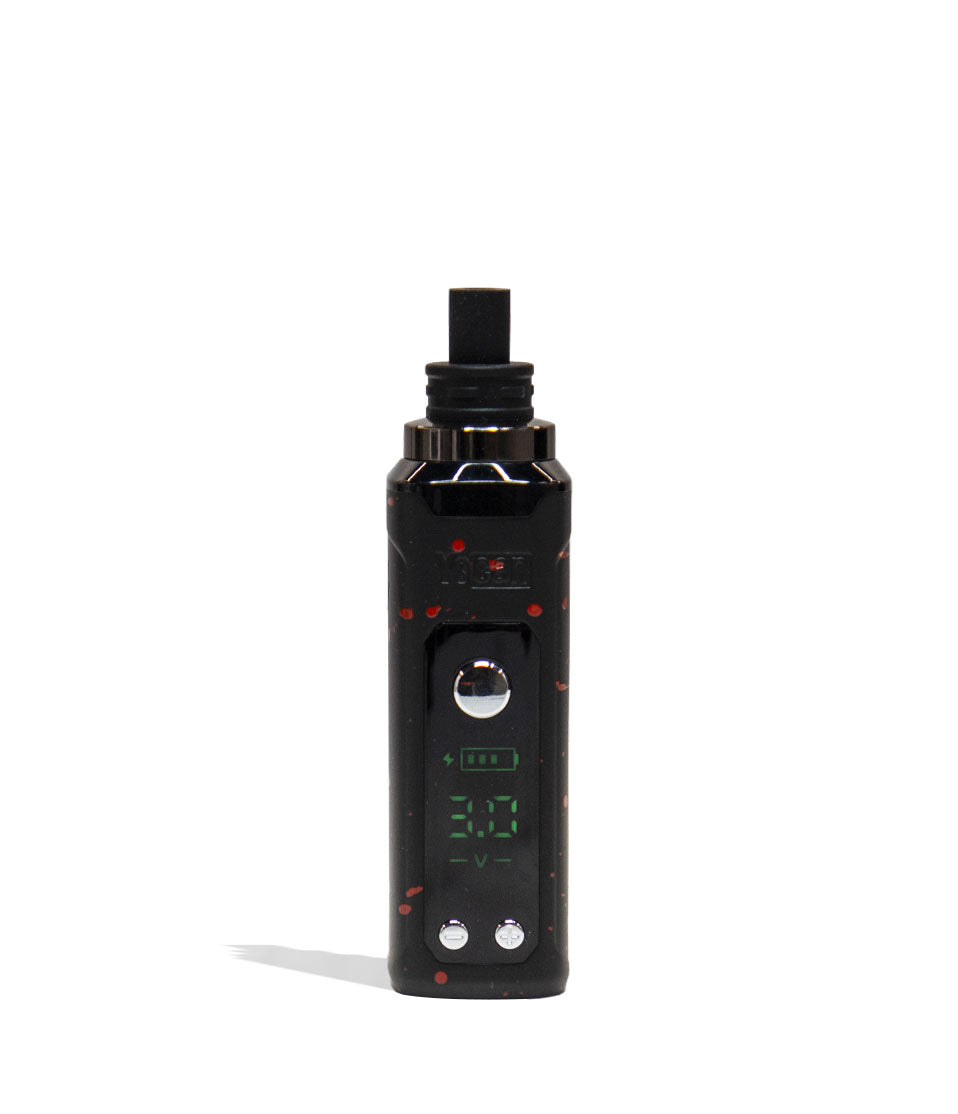
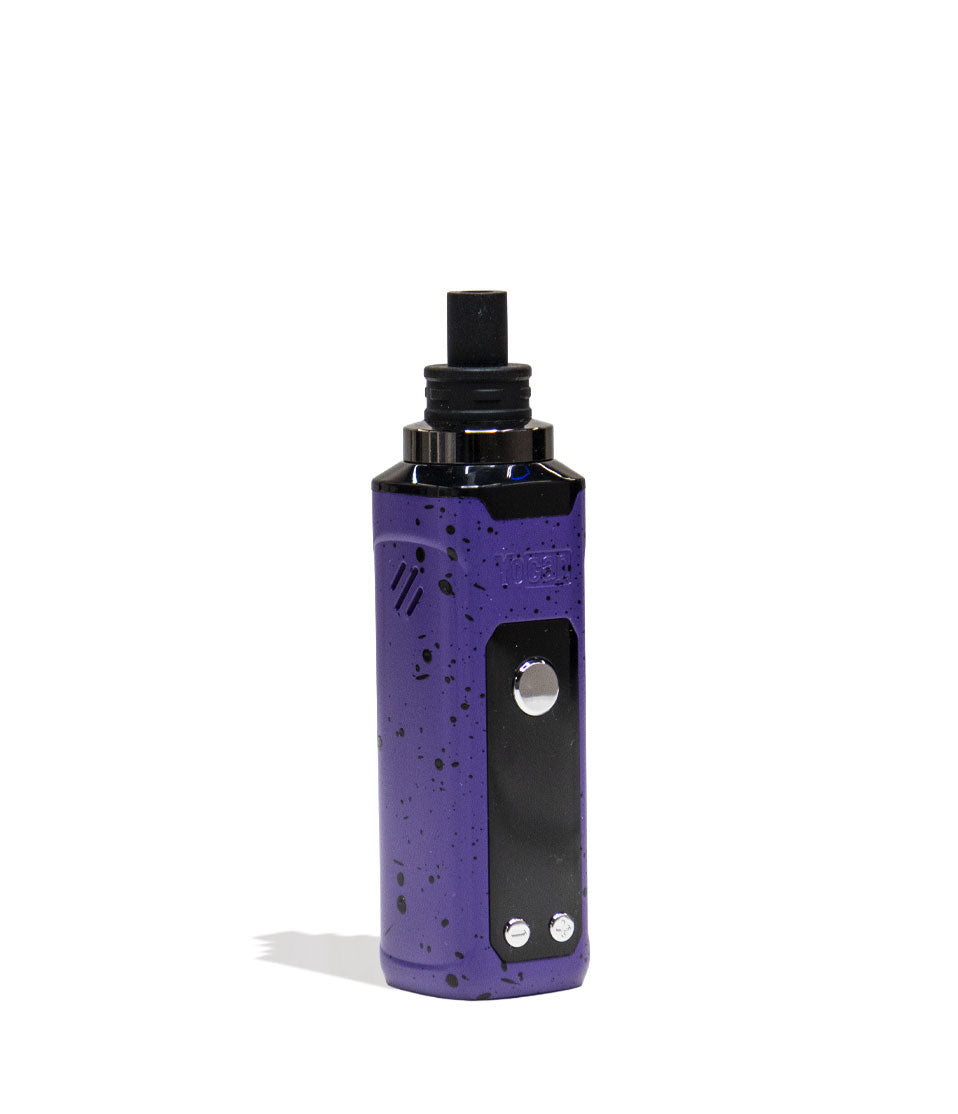
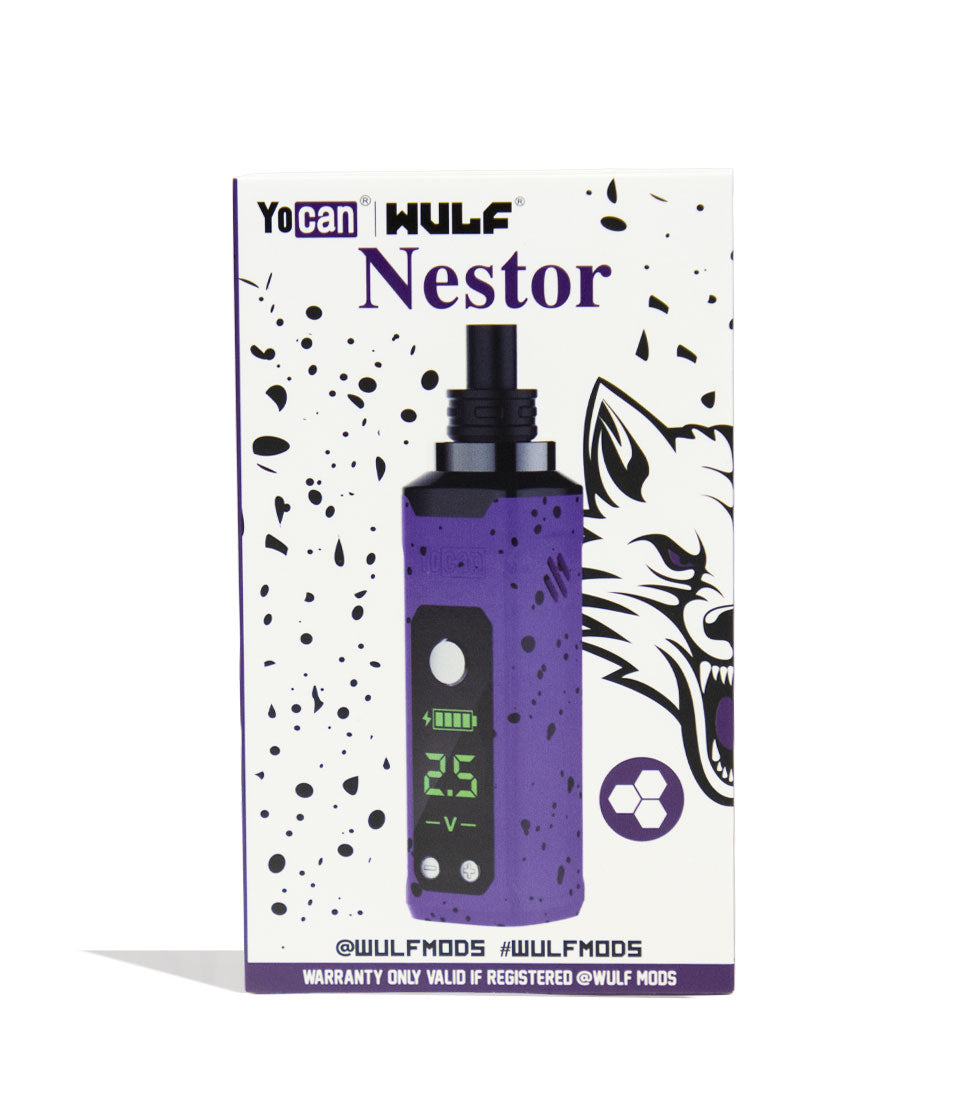
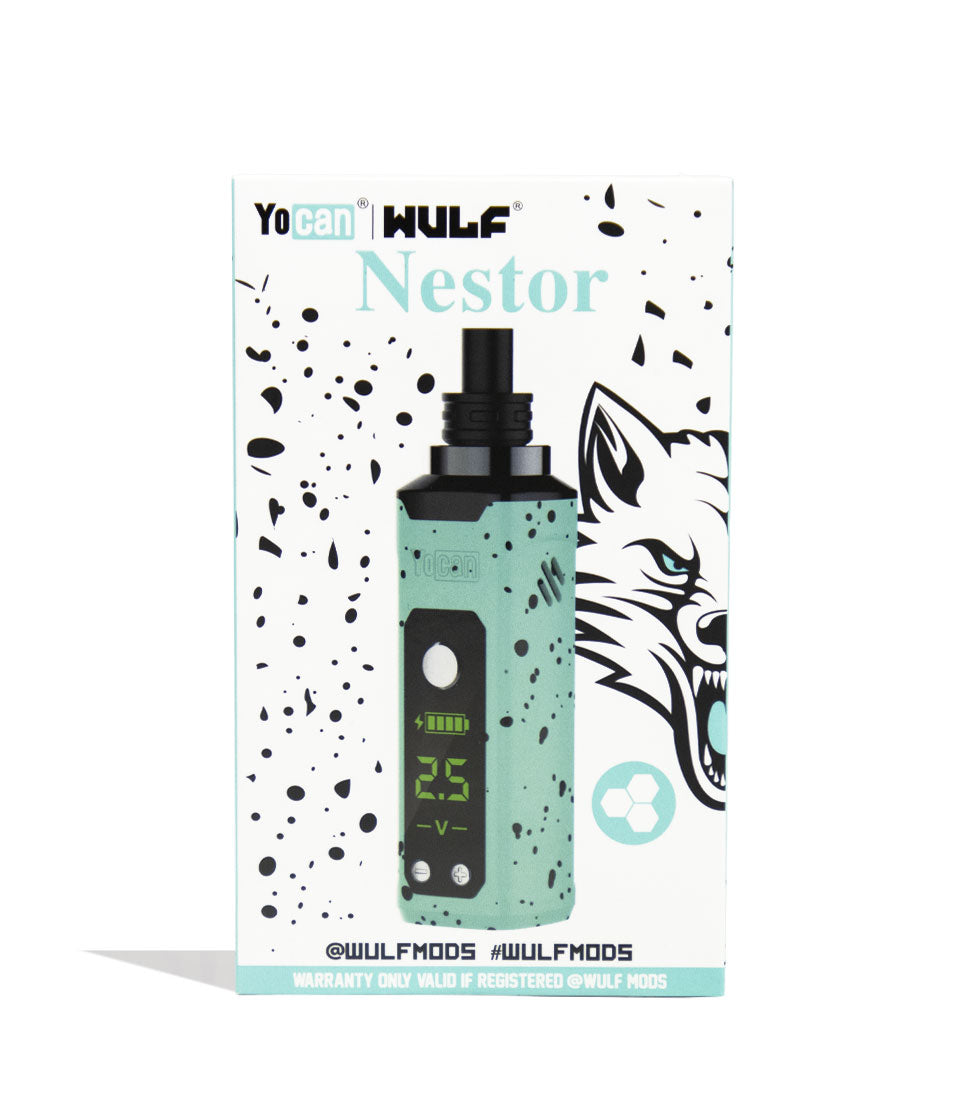
Lead your pack to better dabs no matter where you may roam with our Wulf Mods Nestor Portable Concentrate Vaporizer! In order to make the fieriest portable dab pen possible, we teamed up with the vapor wizards at Yocan to give birth to the Nestor. Equipped with a 900mAh battery, choice of temperatures from 2.5 - 4.2v, and 10s preheat function to give you the full range of concentrate experiences in one convenient device.


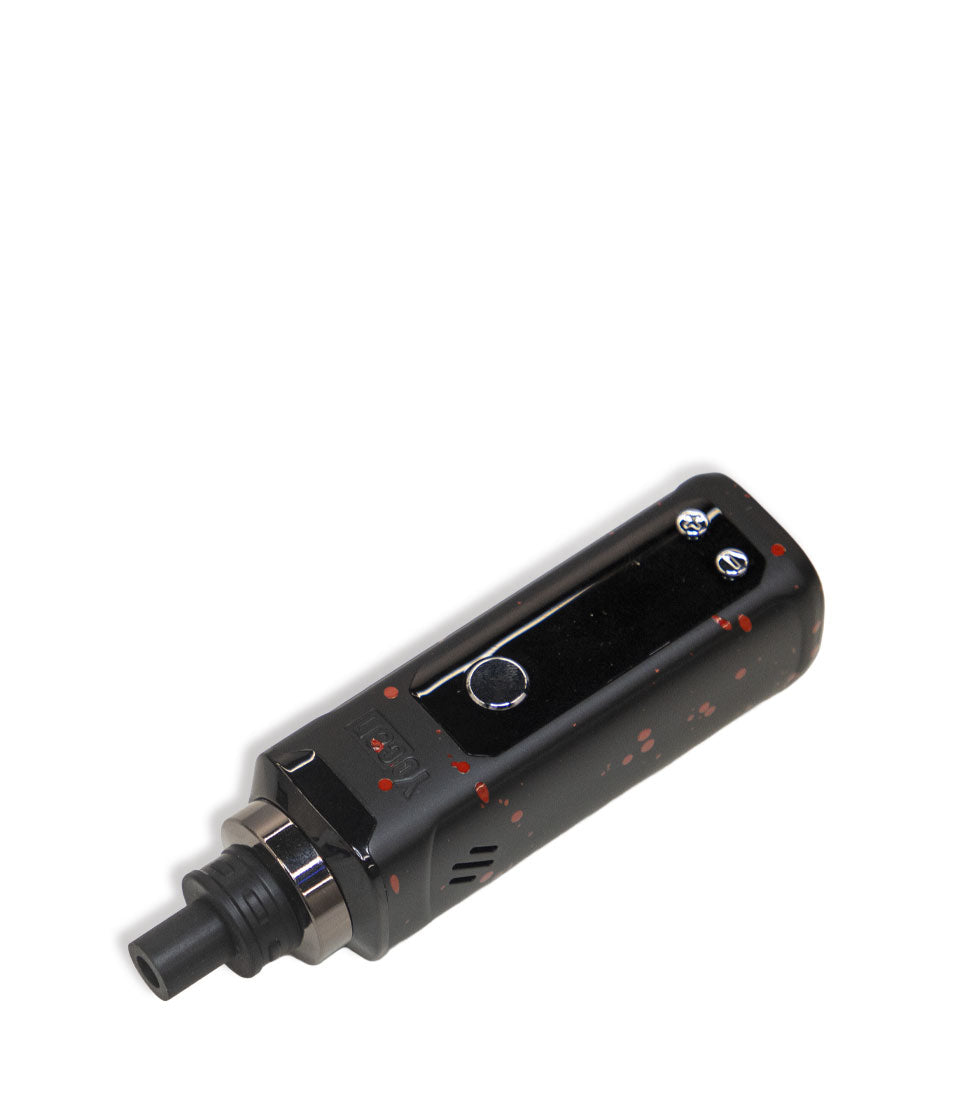
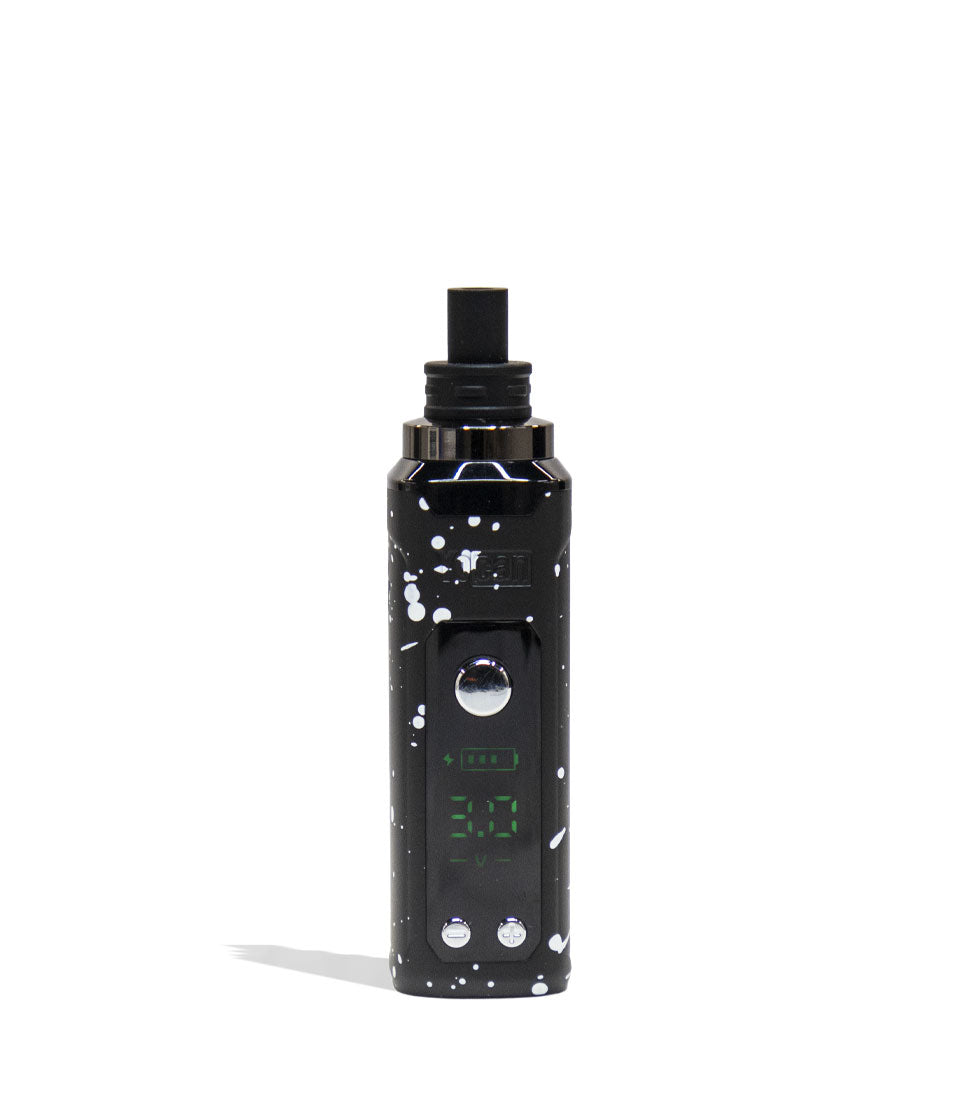
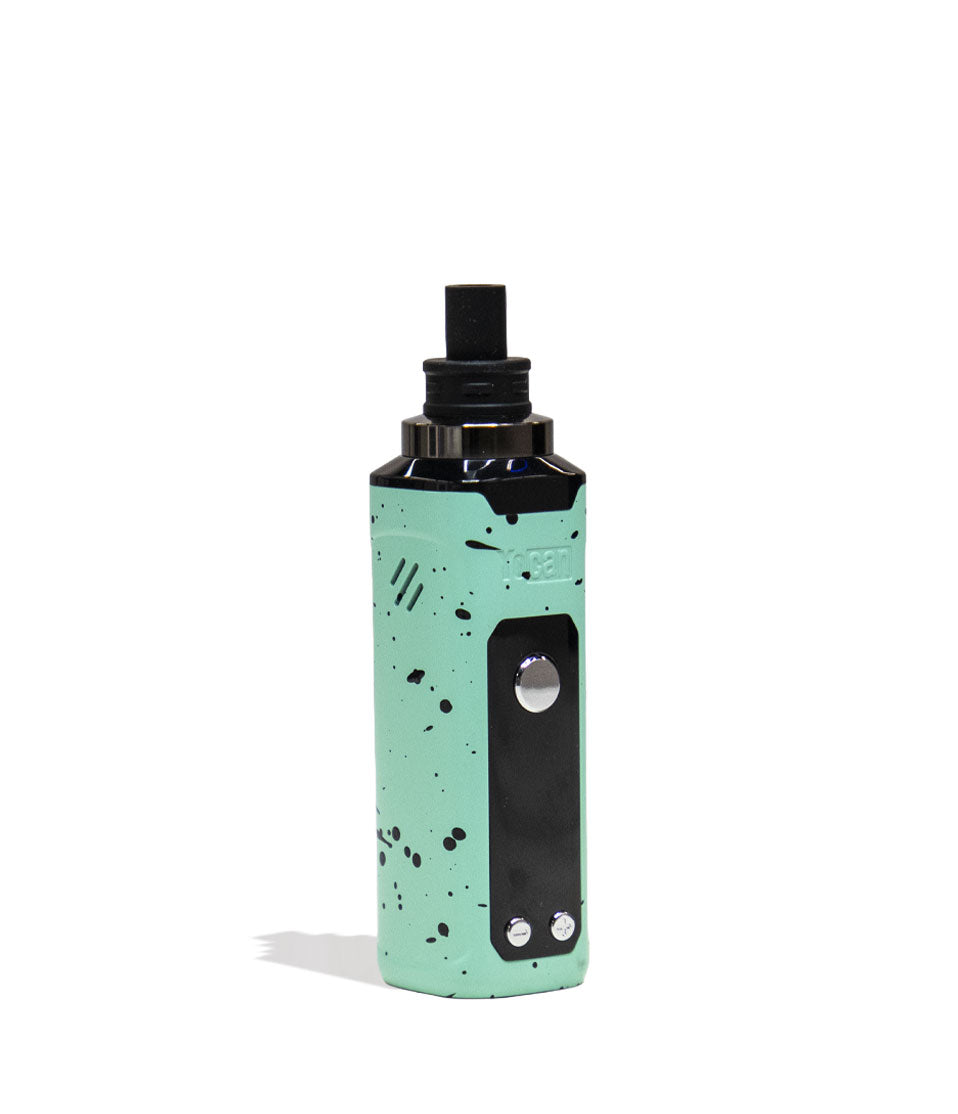
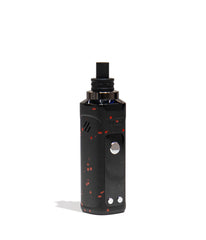
At the core of the Nestor lies its QTZI Coil, a quartz filled chamber to provide you with a blend of exceptional flavors, potency, and cloud volume. For even smoother sessions, we hooked the Nestor up with quality of life improvements like dual air intake vents, a magnetic mouthpiece with silicone tip, and large screen for easy access battery information. Altogether this makes the Nestor Portable Concentrate Vaporizer once lean, mean dabbing machine - so take a look at the 5 gorgeous color options to get started with yours today!

Loading Concentrate Into The Nestor
Commence your Nestor cloud sessions by first removing the magnetic mouthpiece and exposing the quartz chamber underneath. Once open, you can use your metal tool to scoop up some of your concentrate materials and load it into the chamber. After loading, replace the magnetic mouthpiece and you are good to dab!

Using Your Nestor
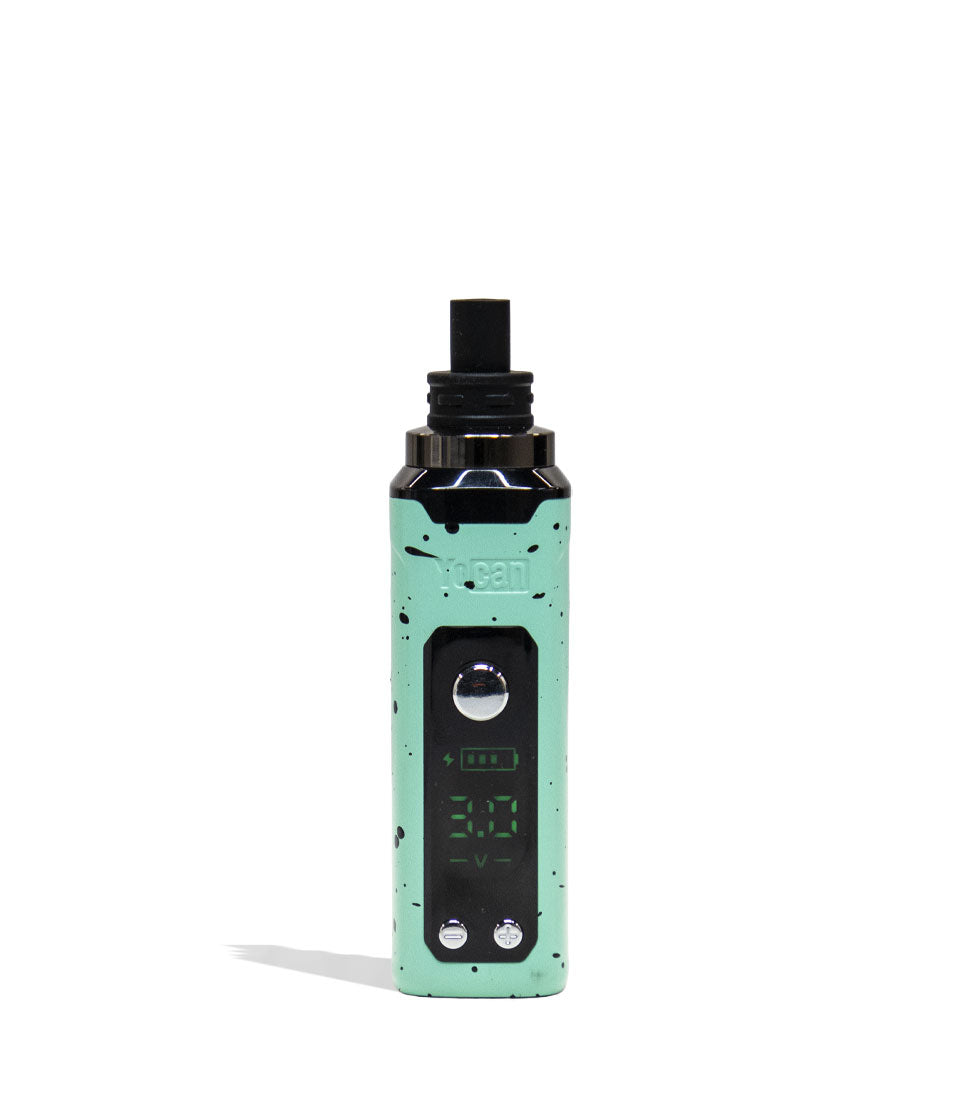
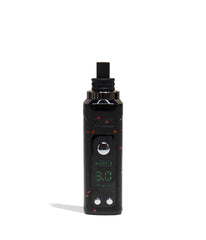
Fire up your Nestor by pressing the power button 5x in a row. When pressed the correct amount of times, your device will turn on and the screen will spring to life displaying your current battery level and voltage setting.
To use your Nestor, press down on the power button while inhaling from the mouthpiece. Once you're satisfied, release the power button to stop warming your concentrates.
When you are finished vaping, you can power down your Nestor by pressing the power button an addition 5x in a row. This will cause your screen to turn off and leave your Nestor ready for storage.
Adjusting Temperature On The Nestor
To switch between temperature settings on your Nestor, simply make use of the + and - buttons located on the bottom of the front face. When pressed, your voltage will either go up or down in .1 increments, giving you the ability to fine tune your cloud experience. For fast switching, hold down the + or - button and your Nestor will begin to quickly cycle through the options.

Pre-Heating Your Nestor
Tune up the intensity of your clouds by first activating the pre-heat function on your Nestor. To do this press the power button 2x in a row. When successfully input, your screen will switch to flashing your current voltage level to indicate it is currently heating your cartridge. Once the 10s has completed, you can use your Nestor as normal to enjoy the powered up hit you’ve just prepared.

How To Charge The Nestor
Keep your Nestor charged by making use of the included USB-C Charger. Never charge your Nestor with any other charges, it can damage battery lifespan and integrity. The first time you charge your Nestor, leave it plugged into the charger for 2 hours. Every charge after this initial one, never leave it plugged in for longer than 1 hour at a time.

Troubleshooting Your Nestor
Noticing flash lights on your Nestor Vaporizer? Take a look below to see all of the various troubleshooting warnings that can appear while using your device.
- Auto Shutdown: Your Nestor will automatically power down after 30 minutes of nonuse to protect your battery.
- Safety Cut Off: If you hold the power button longer than 15s at a time, your Nestor will engage its safety cut off and cease heating. To resume your session, release the power button and press it again.
- Low Battery: See your Nestor flashing 10x in a row? This means you have a low battery and it’s time to charge your good friend up again.
- No Load: See your Nestor flashing 3x in a row? This indicates that your coil connection is compromised, please take a look to ensure your coil is fully connected before trying to use your device again.
- Short Circuit: See your Nestor flashing 5x in a row? This indicates your device is experiencing a short circuit and you should cease using it until the warning subsides.

How To Clean the Nestor
To achieve the best possible clouds from your Nestor, we highly recommend periodically cleaning your device. First power off your device, remove the mouthpiece, and then fully unscrew your coil.
Take a q-tip or swab and proceed to dampen it with some isopropyl alcohol before then fully cleaning out both your coil and your mouthpiece. As concentrates are extra sticky, it’s important to clear out all the nooks and crannies to ensure proper airflow and vaporization. Always make sure to leave enough time for your components to dry before continuing your session.

What’s Included:
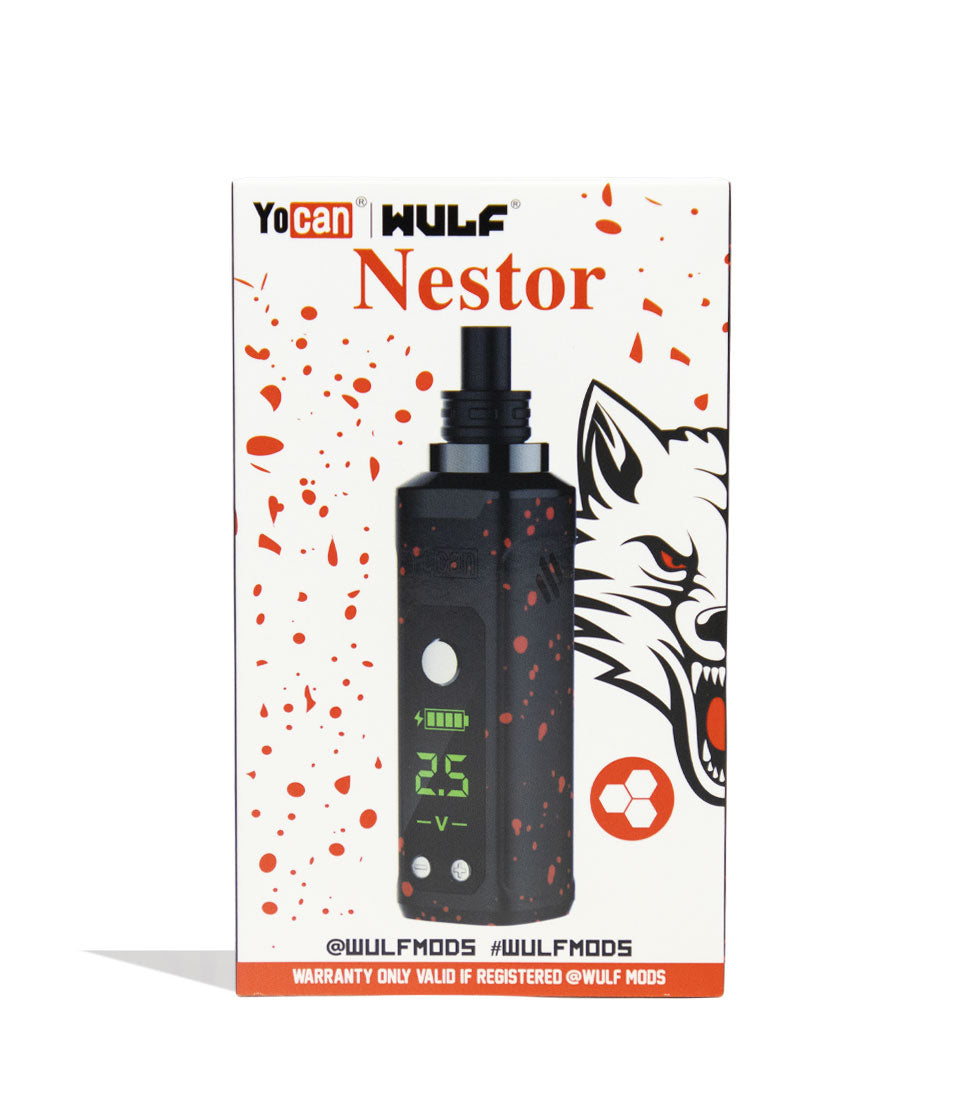
- (1) Wulf Mods Nestor Portable Concentrate Vaporizer
- (1) Dab Tool
- (1) Type-C Charging Cable
- (1) Instruction Manual
WARNING: Do not charge with a powerbank of 5V or higher. Do not charge in your car. Do not overcharge the battery or use any other charging cable other than what comes with your battery. Failure to follow these instructions could result in battery damage and frying of the internal system.
Compare Color
Related Products
- Choosing a selection results in a full page refresh.